Should You Charge Separately for Visualisation?.
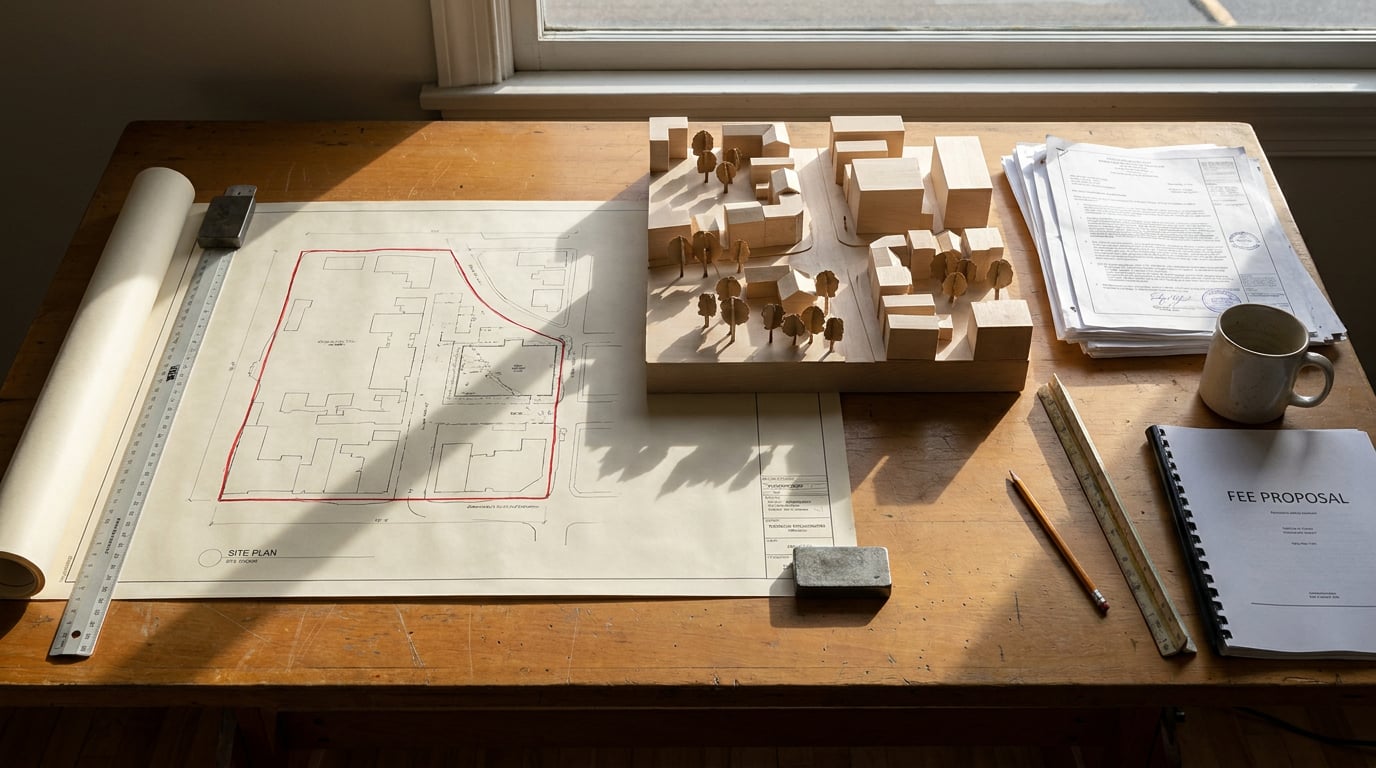
Visualisation sits awkwardly between design service and production cost. Here are the fee structures small practices use, and when each one holds up.
Why Visualisation Fees Are Harder to Defend Than Drawings
Small practices should charge separately for visualisation whenever the work has a defined audience, an image count, an approval step or a use beyond the design team. The reason is not software cost. Visualisation bundles design judgement, production time, revisions and accountability for accuracy, and a single lump in the core fee hides all four. Start with why it is harder to defend than a drawing. A drawing is a contract deliverable with a clear stage and sign-off. A plan at Stage 3 is either issued or it is not. A render is a persuasion tool, so clients treat it as optional right up until the planning committee, the funder or the neighbour consultation asks for it. Then it becomes urgent, and nobody has priced it. Fee proposals typically list RIBA Stage 2 and 3 outputs by drawing type: plans, sections, elevations, a Design and Access Statement. Visualisation falls between the lines. It is not a drawing, it is not quite a report, and it serves several stages at once. So it gets absorbed into the Stage 3 fee, or it gets argued over halfway through the job when the client asks for "just a couple of views". There is a second problem, and it is psychological. Clients read a render as the design itself. When the render changes, they hear "the design changed". A new brick tone, a different glazing ratio, a camera moved to the other side of the street: each feels to the client like a design decision being reopened, and each arrives as a request for another round. That is where revision creep starts, and the research here is honest on the point: no supplied source quantifies it. It is a practice risk, not a measured industry statistic, but anyone who has run a small practice will recognise it. Contrast how a planning consultant works. A verified view or photomontage is billed as a distinct line: site photography, camera matching, compositing, an accuracy check. It has its own price because it has its own risk. A small practice often does the same work inside the Stage 3 fee and absorbs the overrun. The work is identical. Only the visibility of the scope differs.A drawing has a stage and a sign-off. A render has neither unless you write them in. Separate pricing is how you give visualisation the boundaries a drawing already has.
Cost is the weak argument, value is the strong one
Recent commentary aimed at architects puts AI subscriptions for a small practice at roughly US$30 to US$50 per person per month. That is a secondary estimate rather than an audited benchmark, but it makes the point: the tool is not where the cost sits. Pricing a view by the software behind it invites the client to ask why it costs more than the subscription. Staff time, camera selection, modelling, art direction, checking and revisions are the defensible cost drivers, and the accountability for accuracy is the part that no subscription covers. The same applies at the other end of the market. Published AI video pricing shows how fast marginal generation cost is falling. One current comparison lists Kling 4.0 through fal at $0.157 per second at 720p and $0.235 per second at 1080p, with Runway plans from $15 to $95 a month. Those are platform and API prices, not the cost of an architectural deliverable, and they should never be converted into a per-view fee. If generation is nearly free, a price based on generation cost collapses. A price based on the approved communication outcome does not.Four Fee Structures Small Practices Use
 There is no reliable public benchmark for small-practice visualisation fees, and nothing in the supplied research supports calling one structure the standard. What follows is a practical framework drawn from how small practices commonly set out their fee proposals, not an industry statistic. Treat the verdicts as analytical guidance.
| Structure | How it works | Protects | Exposes | Suits |
|---|---|---|---|---|
| Absorbed in the core fee | No separate line. Visualisation sits inside Stage 2 and 3. | The client | The practice, which carries all the risk | Private householder with one or two views and a tightly stated scope |
| Fixed line item per view | A price per approved image, with a stated number of included revisions. | Both sides, if the revision count is explicit | The practice, if camera changes are not defined | Predictable scopes: a planning view set, a competition shortlist |
| Tiered packages | Concept, planning-quality and marketing-quality tiers at different prices. | The client, who sees what moving up costs | The practice, if tiers are vaguely worded | Developers comparing fees line by line |
| Time-charged with a cap | Hourly, with a ceiling the client signs off. | The practice on effort, the client on total | Both, if the cap is set before the scope is understood | Exploratory work where the number of views is unknown |
Absorbed in the core fee
The simplest to sell and the riskiest to deliver. The client sees one number, and the practice silently funds every extra view. It works only when visualisation is light and the scope is stated tightly, such as "two exterior views for the planning submission". The moment a client says "can we see it from the kitchen too", the absorbed model has no answer. Verdict: it protects the client, and it suits a private householder with a simple brief.Fixed line item per view
Priced by image count, with a stated number of included revisions. It is easy for a client to approve and easy to compare against another quote, which is why it is often the first model a small practice adopts. The weakness is definition: "a view" must specify interior or exterior, resolution, and what counts as a revision. Verdict: it protects both sides when the revision allowance is explicit, and it suits predictable scopes.Tiered packages
A concept sketch tier, a planning-quality tier and a marketing-quality tier. The client chooses the finish and understands what it costs to move up. This is the structure that works best when the audience changes: a quick atmospheric image for an early client conversation is a different product from a verified view for a planning officer, which is different again from marketing imagery for a sales team. Verdict: it protects the client by showing the price of ambition, and it suits a developer who expects itemised lines.Time-charged with a cap
Hourly, but with a ceiling the client has signed. It suits exploratory work, such as early massing studies where nobody yet knows how many views the scheme needs. The cap is the important part. Without it, the client carries open-ended risk and will resist the line. With it, the client gets a known maximum and the practice gets paid for effort. Verdict: it protects the practice on effort and the client on total spend, and it suits a client who wants to explore before committing.Fixed price per approved view suits predictable scopes. Tiers suit clients who compare line by line. A capped time charge suits exploration. Absorption is safe only when the view count is genuinely small.
What to Put in the Proposal So the Line Item Survives
 A line item on a fee proposal survives contact with a client only if it is specific. Vague wording is where arguments begin. Five clauses do most of the work.
1. Define the deliverable
State the number of views, whether each is interior or exterior, the output resolution, and whether people, vehicles and landscape entourage are included. "Three exterior views at print resolution with planting and figures" is a deliverable. "Visualisation as required" is a dispute waiting to happen.2. State the revision rounds and define a revision
Say how many rounds are included, and say what counts as one. A revision is a change within the approved composition: a material tone, a lamp colour, a figure moved. Changing the camera angle after sign-off is a new view, not a tweak. Put that sentence in writing. It is the single most useful line in the proposal, because it converts "can we just see it from the other side" from a favour into a priced item.3. Tie visualisation to design freeze points
Renders should begin after the massing or the material palette is agreed, and the proposal should say so. Show what a post-freeze change costs. This is the clause that protects the practice from the client who approves a scheme, sees the render, and reopens the design. It also protects the client, who gets a clear moment at which they know the picture is final.4. Separate planning imagery from marketing imagery
These are different products. A verified view or photomontage involves site photography, camera matching, compositing and accuracy checking, and it is a statement of fact about how the building will sit in its context. Marketing imagery adds styling, atmosphere, people, landscape and broader usage rights, and it often belongs to the client's sales team. The audience, the finish and the liability differ, so the price and the clause should differ too. No authoritative RIBA tariff or planning-consultant price list was available in the supplied research, so this article makes no comparison of figures. The structural point stands without one.5. Add a usage and credit clause
Say whether the client may reuse images in a brochure, on a hoarding or on a website, and whether the contractor may use them for tendering. Say whether the practice is credited. Usage is a legitimate pricing lever: planning-purpose imagery used only in the submission is a smaller grant of rights than a marketing set licensed for a whole campaign.If a clause is not in the proposal, it is a favour. Camera changes, post-freeze edits and reuse of images are the three favours that quietly erode a visualisation line.
How the Tool Stack Changes What a View Costs You to Make
The honest pricing floor is your own production time. Every hour spent exporting, rendering and retouching is an hour not billed against the design, and a practice that does not know that number is guessing when it quotes. This is where the working pipeline matters more than the headline software list. A practice that models in Linea, ArchAdemia Tools' browser-based drawing and modelling studio, keeps the plan and the 3D model as one building. From a perspective view in Linea, the scheme goes straight into the rendering studio rather than being exported, reimported and rebuilt in another tab. Linea also places render cameras from inside the model, and each paid action shows its cost on the card before it runs, so the practice can see what a view costs before committing to it. Once a render exists, Retouch handles the iteration that normally eats the margin. Six one-click re-light presets (golden hour, dusk, blue hour, night, overcast and sunny) regenerate the whole document at a different time of day or in different weather as a new layer, so one scheme yields several atmospheres without remodelling. Material swap replaces a selected area's texture to match an attached reference, as a toggleable layer. When a wide render has gone soft or repetitive in one region, Enhance area re-renders just that selection at higher resolution with no prompt and composites it back. These are exactly the changes a client asks for in revision round one, and they are cheaper to give when the layer is non-destructive. For a multi-view package, Shoot generates a full set of camera angles for a scheme, with exterior and interior handled separately. A finished set of stills is a complete outcome on its own. That turns a package of several views from days of setup into a first set to curate. The work shifts from producing each image to choosing which ones sell the scheme.What stays billable
Be honest about what faster production does not change. Art direction stays billable. So does the judgement about which view actually sells the scheme, which camera tells the truth about the building, and which finish is right for a planning committee rather than a sales brochure. Accountability for accuracy stays billable too. Faster production lowers the cost to you. It does not lower the value of the decision-making, and it does not transfer the liability.The margin arithmetic
Take a fixed price per view that was marginal when each image meant two days of setup, rendering and retouching. Say you priced it at a level that covered those two days with little to spare. If the same view now takes a few hours, the identical price becomes comfortable, and the client sees no change. That margin is what pays for the checking, the revisions you honoured and the occasional view that needed more care than quoted. Whether you pass any of the saving on is a commercial choice, but the structure gives you the room to make it deliberately. The practical rule: price the view by the outcome the client is buying, which is an approved image that does a specific job, and not by the generation step that produces it.Faster production lowers what a view costs you, not what it is worth. Keep your fee tied to the approved image and the decisions behind it, and let the saving become margin.
Choosing a Structure for Your Practice
Start with the client, because the client decides what the line has to look like. Private clients usually want a single number and a plain description. Developers expect itemised lines they can compare and challenge. Competition work is often unpaid, so the visualisation cost sits inside the bid budget and has to be weighed against the chance of winning, not billed to anyone.Record before you decide
Before choosing a model, record what visualisation actually cost you across your last three projects, hours included. Not an estimate: the real figure, from timesheets or from memory reconstructed honestly. Most small practices find the average is higher than they assumed, and the spread between projects is wide. That spread is the argument for changing structure. The research here is plain that this is analytical guidance and not a sourced market survey, so your own numbers are the only benchmark that counts.A small decision test
- Is the scope predictable? If you know how many views and at what finish, use a fixed price per approved view with a stated revision allowance.
- Is the scope exploratory? If the number of views is unknown at the start, use a time charge with a cap the client signs.
- Do clients compare fees line by line? Use tiers, so the price of moving from concept to planning to marketing finish is visible.
- Is the view count genuinely small and the client unlikely to expand it? Only then consider absorbing it, with the count and revision allowance still written into the scope.
Review the revision allowance first
After each project, revisit the structure, and adjust the revision allowance before anything else. That is where most small practices lose money, and it is the cheapest term to tighten. If three projects in a row exceeded the included rounds, the allowance was wrong or the freeze point was not enforced. Fix that before changing the price. Where a practice wants the whole pipeline in one place, ArchAdemia Tools covers the modelling, the render, the retouch and the presentation sheet in the same workspace, which is a practical way to make the hours per view visible and therefore priceable.Write the view count, the revision rounds and the freeze point into the proposal, then record the hours on the next job. The structure follows from those numbers.Pricing visualisation separately is less about charging more and more about making the scope visible before the work starts.
Keep reading.



Try ArchAdemia Tools for yourself
Draw it, model it, render it, publish it. One place, built for architects and small practices. From £19 a month, all in.