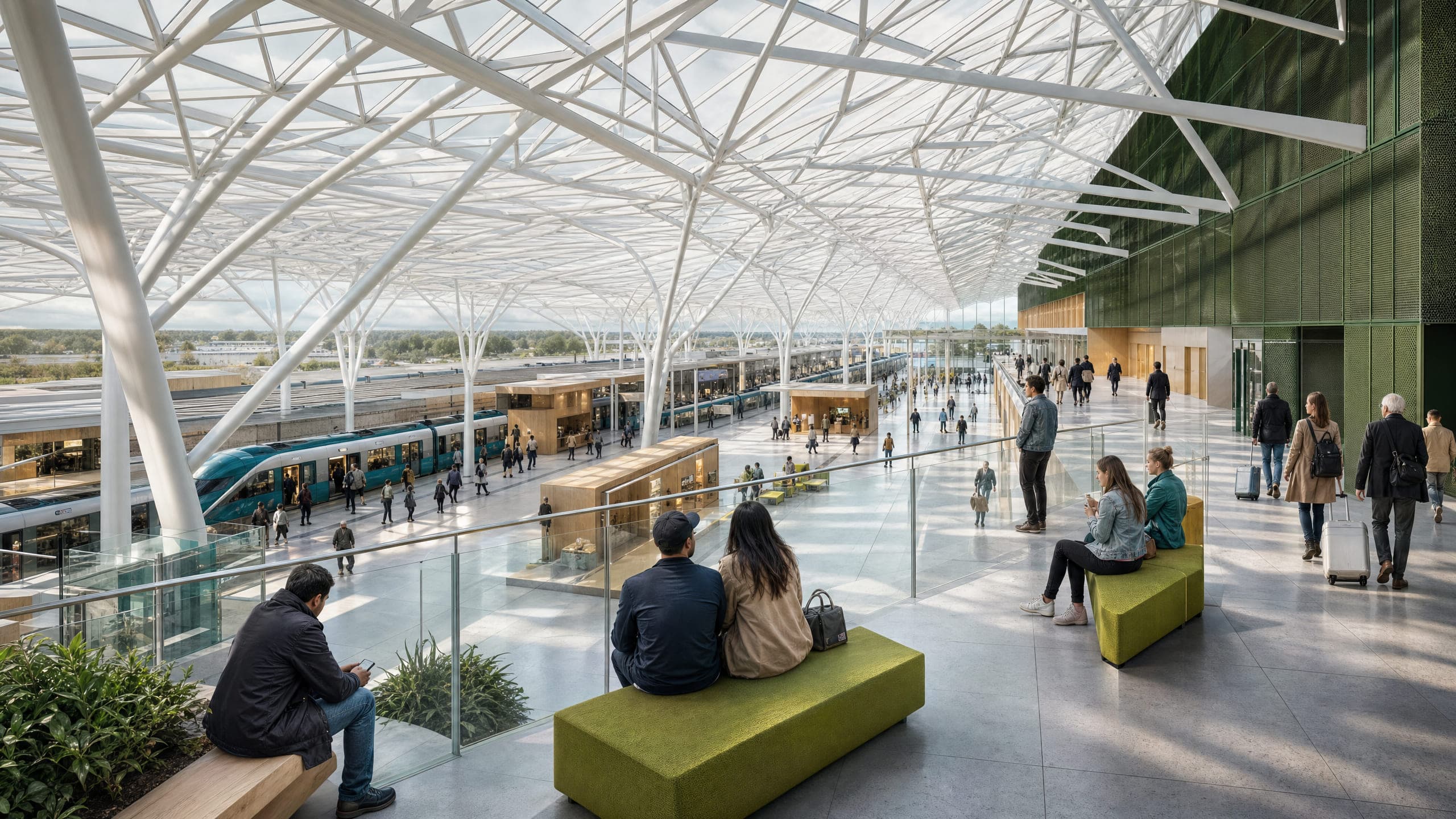
One studio. Every lane.
Software that keeps up with how you actually work, so you can move between every part of a project without losing your place.
The part that never gets old.
Drawing and modelling in one editor, massing and form alongside it, and rendering that holds your composition instead of inventing a better one. Move between the three without exporting anything or rebuilding it at the other end.
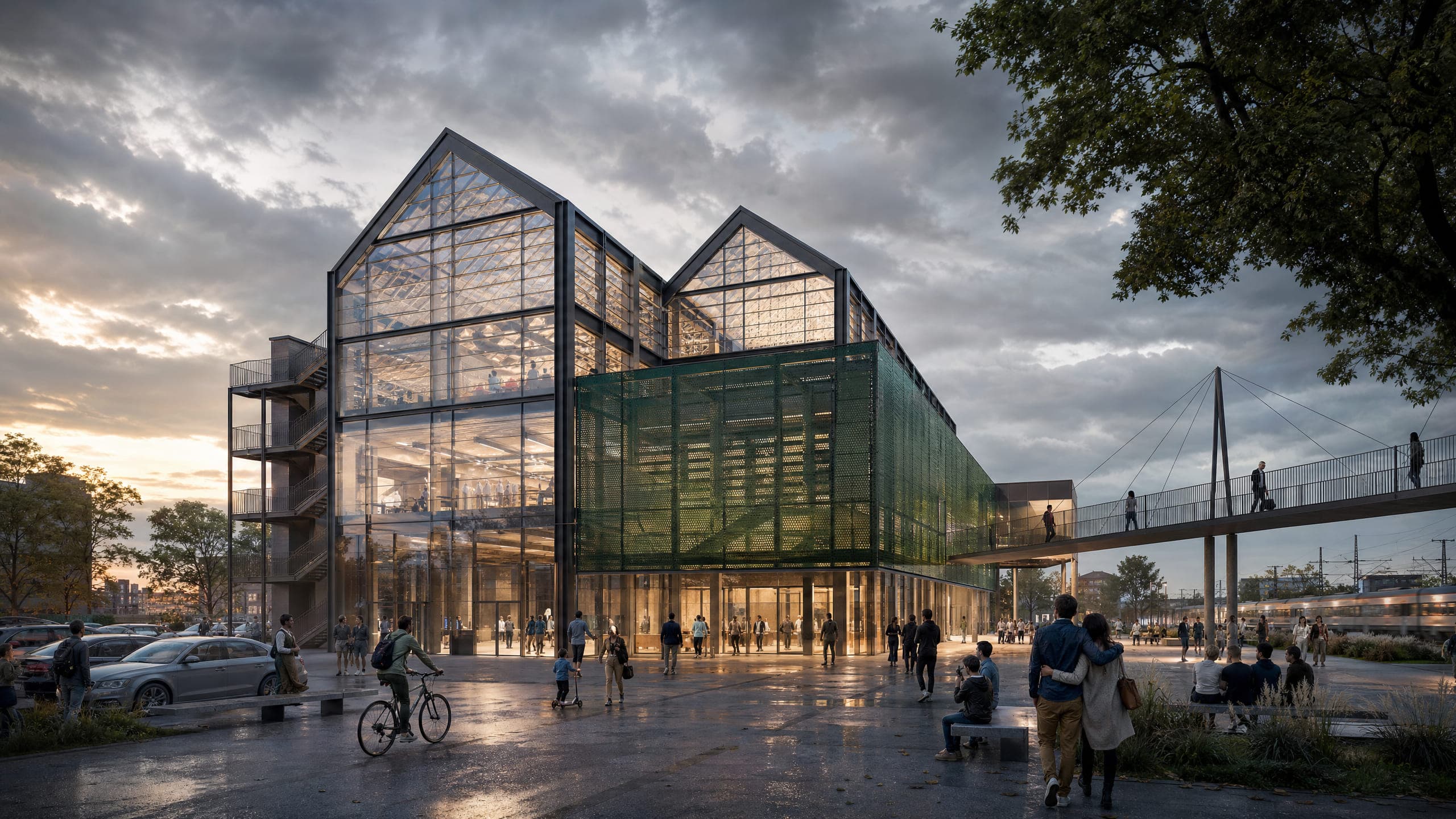
From first idea to sign-off
Test a concept, assemble a planning submission, then get the scheme in front of whoever's deciding; all of it out of the same project, with nothing started over at each stage.
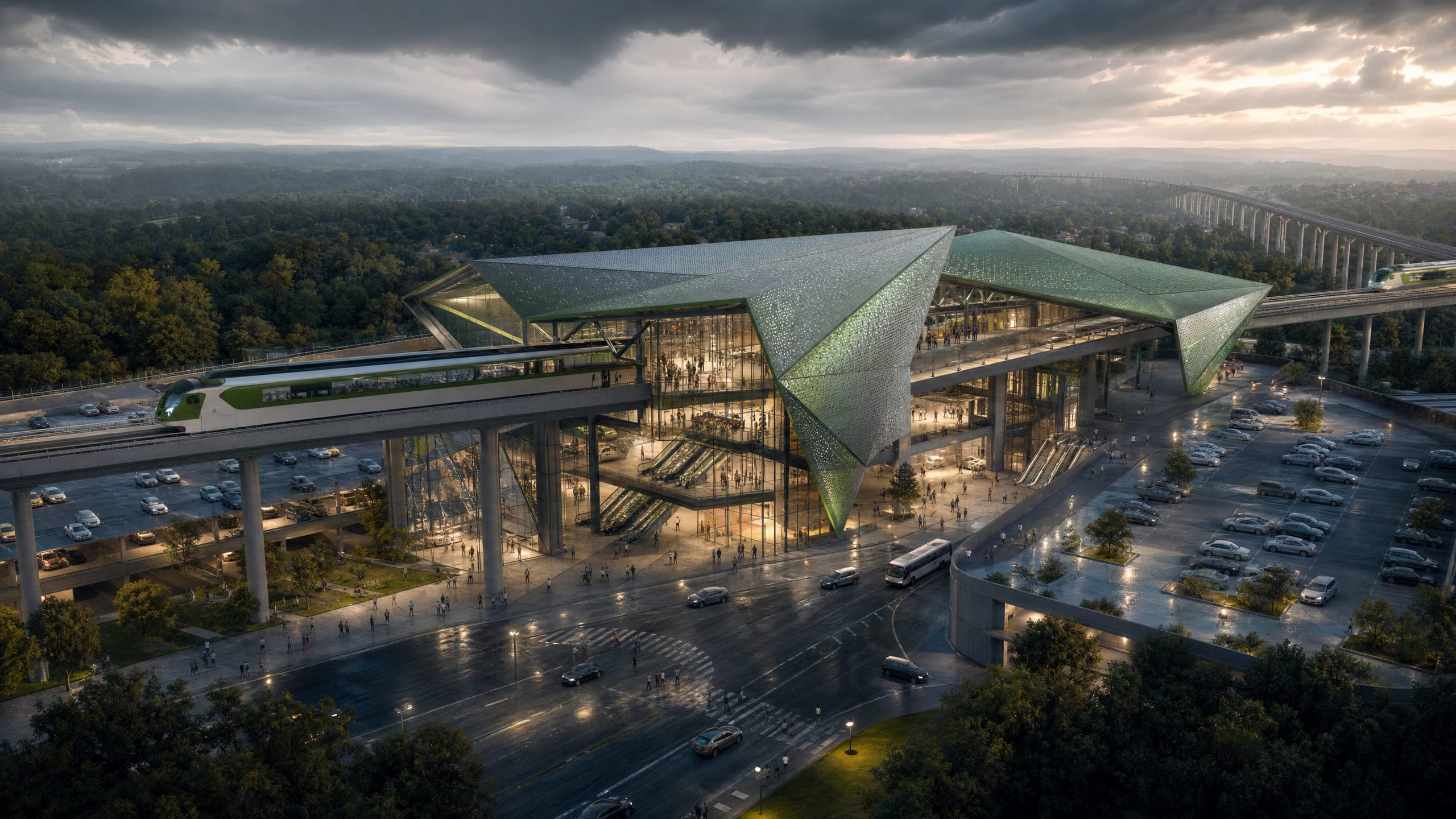
The bit nobody has time for.
A website, ongoing content pulled from your own projects, and an assistant who knows every tool and price on the platform. This is the half of running a practice that always loses to the work itself, and it's why so many good studios are invisible.
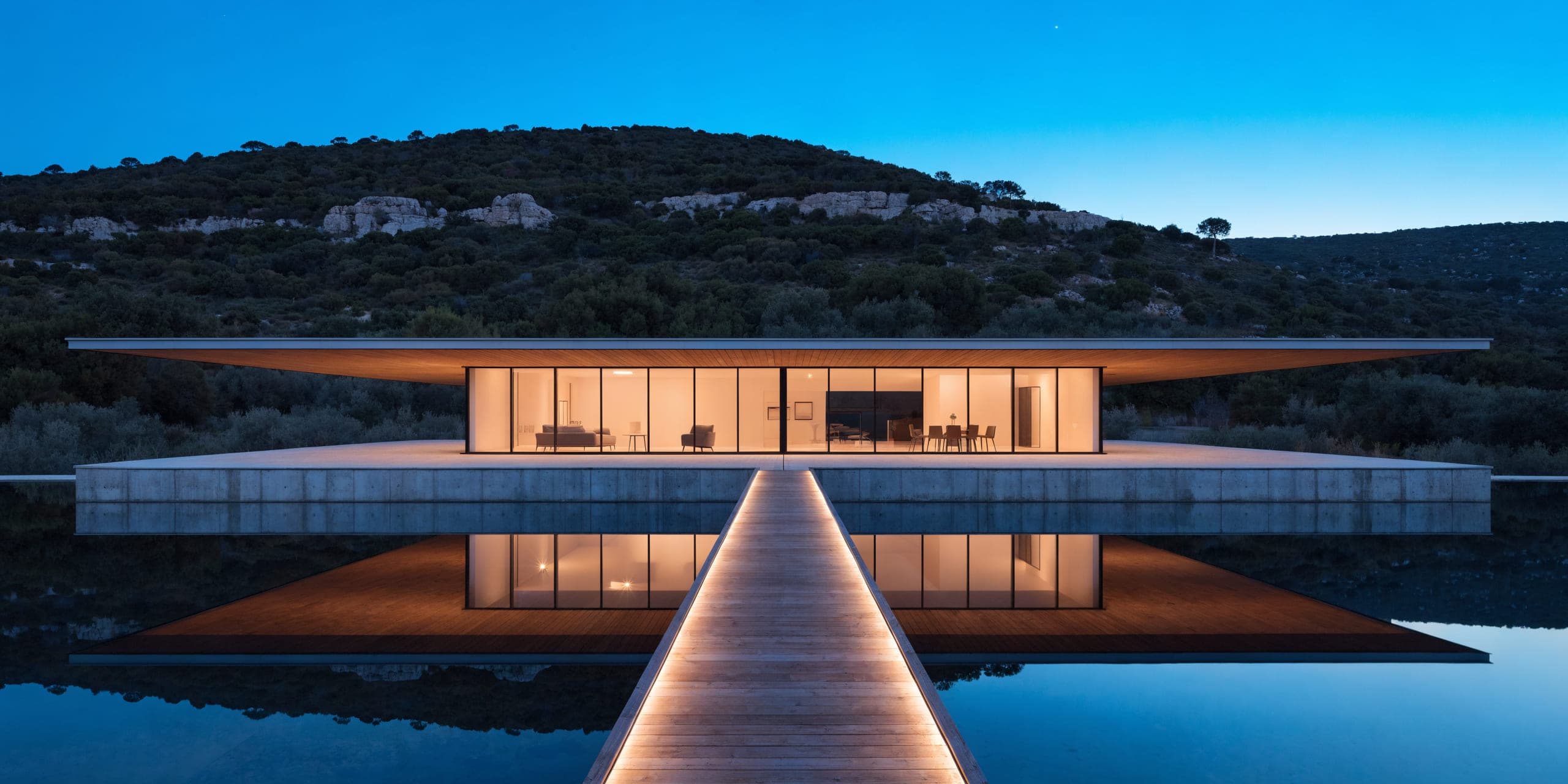
Nine places to start
Four jobs a practice repeats, the five tools underneath them, and the assistant who knows both. Film, writing, research and project organisation come with it, rather than being sold to you separately.
Nobody else covers more than one of these
That's the whole argument, really. One subscription and one place, from the first sketch through to the published project page.