The ArchAdemia Tools Official Website: What You Get Free.
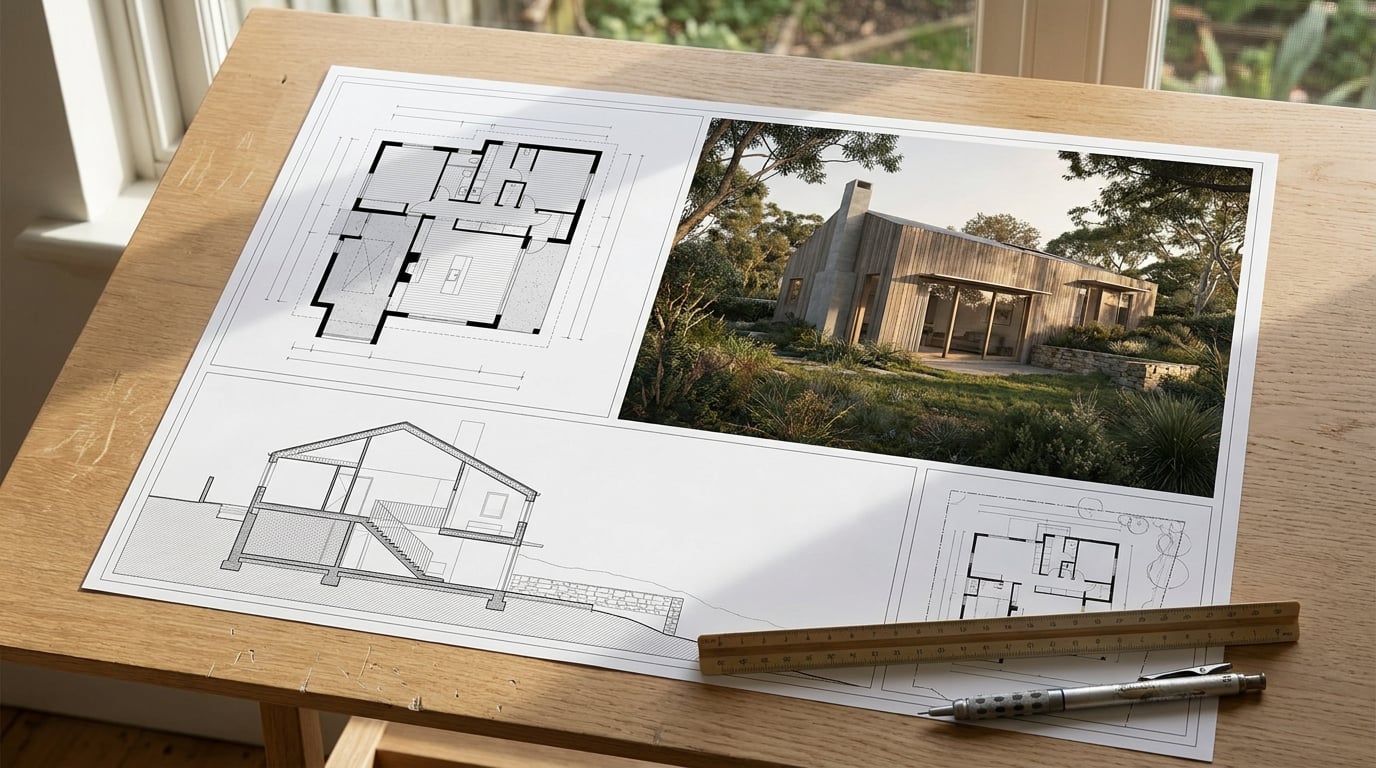
The official ArchAdemia Tools site is where you sign up, try every studio free for 7 days and pick a plan. Here is what to check first and how to start.
Anyone searching for the "ArchAdemia official website" can land in one of two places, and only one of them is where you draw, render and present. ArchAdemia Tools lives at archademia.tools. It is browser-based software for architectural drawing, modelling, layout, image editing, websites and rendering. The separate ArchAdemia training and studio-management business sits at archademia.com. Both are legitimate, but they do different jobs, and a student looking for a free Linea session will not find it on the training site.
This guide covers how to confirm you are on the right site, what the free trial gives you on day one, a first session that costs almost nothing, which studios to open first for your kind of practice, and when a paid plan starts to earn its keep.
Confirm You Are on the Official ArchAdemia Tools Site

Start with the address bar. The Tools platform is at archademia.tools, and that is the place where you sign up, buy credits and open the studios. It is the only place plans are sold. If you arrive via a search result, a directory listing or a forum link, check the domain before you type anything into a form.
A few habits keep you safe:
- Check the address and the sign-in page first. Do this before entering any details. The sign-in page should sit on the archademia.tools domain.
- Keep account, billing and credits in one place. Your account area holds your balance and your billing. If a page asks for payment details outside that account area, treat it as suspect.
- Cross-check outside write-ups against the live site. Reviews and directory listings go stale. Plan names, prices and studio lists change faster than third-party pages do, so the live pricing page is the reference, not a blog post from last term.
- Expect no card at sign-up. The free trial needs no card. A page demanding card details just to start the trial is not how ArchAdemia Tools works.
The archademia.com site is worth knowing about in its own right. It carries architecture training and the studio-focused business content. If you want a course, go there. If you want to open a drawing and start work, you want the Tools site.
Two sites, two jobs: archademia.tools is the software you work in, archademia.com is training and studio business. Confirm the domain before you enter any details.
What the Free Trial Gives You on Day One
The free tier is a seven-day trial. You sign up without a card and receive 30 credits per day for seven days. The credits refresh daily and do not roll over, so anything unused at the end of a day is gone. That single rule should shape how you use the trial: decide each morning what you want to test, then spend the day's credits on it.
Here is what the trial includes, as stated on the pricing page:
- Every model is selectable to explore. There are no per-model locks on the free plan. The only practical limit is the credit balance, so the dearest flagship models will not be affordable on 30 credits a day. That is a matter of cost, not access.
- Corb messages are capped at 20 per day. Corb is the assistant. During the trial you get 20 messages a day.
- Free outputs carry a small ArchAdemia Tools mark. Paid plans give mark-free output.
- Top-ups are paid-only. You need a paid plan to buy credit packs, so use the trial to learn which studios you will actually pay for.
What happens to your work after the trial
Be careful here, because older write-ups say your images are simply yours to keep. The Terms add a qualification: free-trial outputs stored on the platform are automatically deleted if you do not upgrade before the trial ends. You can keep anything you have downloaded, but stored trial outputs are not guaranteed to persist. The practical rule is simple. Download what matters as you go, and do not treat the platform as your archive during the trial.
The same Terms also describe how paid credits behave. Monthly plans receive credits at the start of each billing period, and unused subscription credits do not roll over. Top-up credits do not expire. The Terms contain one sentence about annual plans that reads as a one-month rollover, which sits awkwardly beside the no-rollover statement, so if annual billing matters to you, confirm the current wording on the live Terms page before you commit.
Thirty credits a day will not carry a whole project. Treat each day as one focused test, and download anything you want to keep before day seven ends.
A Practical First Session: Draw, Render, Present

The most useful trial session follows the order of a real project: model it, render one view, then put it on a board. Drawing and layout cost nothing from your daily credits, so the spend goes only where you choose.
- Block out a massing or a plan in Linea. Linea is the browser-based drawing and modelling studio: a 2D plan and a 3D model of the same building, edited together. Drawing, modelling, walking the model, exporting and asking Corb a question in chat are free on every plan. Start with something simple, a single volume with a couple of openings, so you finish inside the session.
- Take a view forward. Send a perspective view straight to the rendering studio, or take a finished Linea view into Image or Retouch. Keep the credits for the render you intend to keep, and resist the urge to test every model on the same view.
- Build one board or one page in Layout. Layout handles the crit board, the competition panel and the Design and Access Statement at true sheet scale, with A1 landscape the default for a sheet and A3 for a multi-page document. Manual placement, typing, guides, grids and PDF export do not consume credits. Only asking Corb to write or build a document does.
- Brief Corb on the stage you are at. Ask Corb which model suits a particular render job. Corb reads your project brief and project instructions, so tell it the stage of the work, concept, planning or presentation, and the advice will be scoped to that. Corb advises on the render and the scheme. It does not rule on planning or compliance, and that call stays with you and whoever carries the professional liability.
Compare that with a typical student workflow: a plan drawn in one package, a render produced in a second, a board assembled in a third, three sets of exports and three places for files to go missing. Here the path from plan to board stays inside one login, and a tidy crit sheet can often be finished entirely inside the trial.
Spend credits only on the render you plan to keep. The drawing and the layout around it are free, so the trial stretches further than 30 credits a day suggests.
Which Studios to Open First, by Who You Are
The platform is a suite, and opening everything on day one dilutes the trial. Pick the studios that match your job.
| If you are | Open these first | Why |
|---|---|---|
| An architecture student (Part I/II) | Linea, Layout, Retouch | Linea for the plan and model, Layout for the crit sheet, Retouch to clean up a render before the pin-up. |
| A small practice principal | Documents, Layout, Web | Documents for long-form drafting with a multi-model writing picker, Layout for Design and Access Statements and client decks, Web for a practice site. |
| An architectural visualiser | Image, Retouch, Shoot, Canvas | Image, Retouch and Shoot for stills sets, plus Canvas for chaining a repeatable render workflow. |
| An interior designer | Image, Retouch, Composer | Image and Retouch for material swaps and re-lighting, Composer for posing furniture in a 3D scene and rendering a view. |
Students
The trial suits a student well because the deadline-driven work, a plan, a model and a board, is largely free to produce. In Retouch you can swap a material on a selected area to match a reference, or run a one-click re-light preset such as golden hour or dusk, each landing as a layer you can toggle. That is useful for the last pass before a pin-up, when a flat render needs a bit of life.
Small practices
Documents offers a multi-model writing picker, so you can draft a long statement with the model you prefer. Layout then carries the Design and Access Statement and the client deck. Web builds a practice site, and building it is free on any plan. Publishing is the paid step, covered below.
Visualisers and interior designers
Retouch is non-destructive, with layers, masks, adjustment layers and live layer styles, so a visualiser can grade and correct a render without baking in changes. Canvas is the node-based workflow editor, where you wire up a repeatable chain of steps. Interior designers will find Composer useful for placing furniture models in a 3D scene and rendering a chosen view.
One note on the website builder, since it often comes up: the Web studio generates multi-page sites and microsites, but it is a companion to the drawing and presentation tools, not the reason to sign up. Judge the trial on the studios you will use every week.
Free Trial or Paid Plan: When to Upgrade

The pricing page confirms that paid plans start at £29 per month and that the entry plan includes 3,000 credits. The full tier table, covering the higher plans, their credit pools and concurrency limits, should be checked directly in your account or on the live pricing page before you decide, because those figures are the ones most likely to move. What is stable is the shape of the difference:
- Mark-free output. Paid plans remove the ArchAdemia Tools mark from your outputs.
- More credits and higher concurrency. You can run more generations at once as you move up the tiers.
- Larger chat allowances. The daily cap on chat-widget messages rises, and higher tiers remove it.
- Top-ups. Credit packs can only be bought on a paid plan.
- Publishing. Putting a site live on an archademia.app subdomain or a custom domain is a Pro-and-above feature. Building the site in Web is free on any plan.
When the upgrade is worth it
Do not upgrade because the credit count looks generous. Upgrade when the watermark or the daily ceiling starts costing you client work. A crit board can often be finished inside the trial, so a student with a single pin-up due may never need to pay. A practice sending a deck to a client, or needing a published site, hits the limits sooner.
Judge a plan by cost per finished deliverable, not by headline credit counts. Ask what one board costs you, or one render set, then multiply by your real project load for a month. Because manual drawing and layout cost no credits, your spend is driven almost entirely by renders and generated artwork. Two practices with the same plan can use wildly different amounts depending on how many renders each project needs.
Also bear in mind that the vendor's own descriptions of the platform are product positioning, not an independent comparison. The sensible test is the trial itself: use your seven days on a real piece of work, then decide with your own numbers.
Confirm archademia.tools before you sign up, spend your 30 daily credits only on the render you will keep, download your work before day seven, and upgrade only when the watermark or the daily ceiling starts costing you a client deliverable.
Use the seven days on a live project: model it in Linea, render one view, put it on a Layout board, and let that single run tell you which studios earn a monthly fee.
Keep reading.
Try ArchAdemia Tools for yourself
Draw it, model it, render it, publish it. One place, built for architects and small practices. Plans from £29 a month, all in.