Evo Global Technologies Limited: Vet a Vendor Before You Brief.
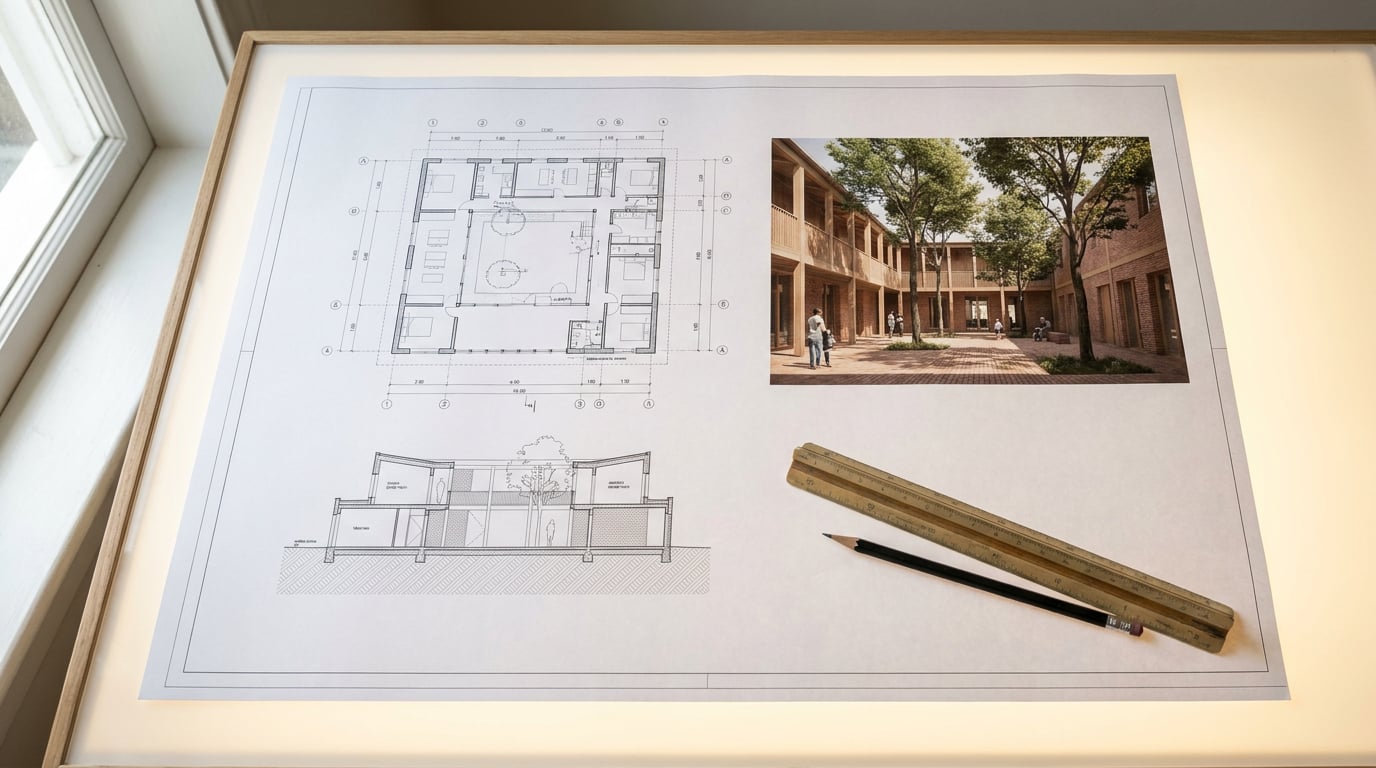
Searching 'evo global technologies limited' before a commission? Here is how to check any technology supplier, then brief and iterate with them professionally.
Start With a Company Check, Not a Quote
 A name like **Evo Global Technologies Limited** tells you almost nothing on its own. It sounds like a software firm, a render house or a holding company, and it could be any of them. Before you send a brief, treat the name as a lead to verify, not a credential to trust.
The search for this particular name is instructive. Companies House records a UK company called EVO GLOBAL TECHNOLOGIES LTD, number 14488436, incorporated on 16 November 2022 and **dissolved on 23 April 2024**. Its registered office was 71 to 75 Shelton Street, Covent Garden, London, and its recorded SIC codes covered internet retail, advertising and specialised design. None of that is software development or architectural visualisation.
That is a verification finding, not an accusation. Plenty of companies dissolve for dull reasons. But it changes what you should accept at face value. A website, quotation or invoice carrying the name *Evo Global Technologies Limited* is not evidence of a currently trading UK entity.
### What the register gives you
The national company register is free and takes five minutes. Companies House guidance says you can check the legal name, company number, registered address, incorporation date, filing history, accounts, officers and any overdue filings. Record all of it before you go further.
- **Exact legal name and number.** Copy them as they appear, including "Ltd" or "Limited".
- **Status.** Active, dissolved, in liquidation or struck off. This is the single fastest filter.
- **Registered address.** Is it a real office, a virtual address or a formation agent?
- **Officers and filing history.** Who is named, and have accounts been filed on time?
### Names travel further than companies
The Evo Global search shows why name-only checks fail. Other results surface in the same breath:
- A current website branded **evo° GLOBAL** describes a technology group with divisions in AI, business software, robotics, biomechanics and electric vehicles. Its technology subsidiary page says the business was established in the UK and works through partners in MENA, Asia and Latin America. Those are the company's own claims. Nothing in the available results shows that this website is operated by the dissolved UK company.
- **EvoLink's** terms and privacy pages name EVO GLOBAL TECHNOLOGIES LIMITED at an address in Mong Kok, Hong Kong. The results do not prove this is the same legal entity as UK company 14488436. A different jurisdiction means a different register and a different registration number.
- Unrelated businesses also use "evo": a US educational platform run by Evo Group International LLC, and a US outdoor-retail company. Their addresses and activities differ from the technology references.
Four similar names, potentially four different legal persons. The practical lesson is to establish **which one you would actually be contracting with** before you share a single drawing.
A name like **Evo Global Technologies Limited** tells you almost nothing on its own. It sounds like a software firm, a render house or a holding company, and it could be any of them. Before you send a brief, treat the name as a lead to verify, not a credential to trust.
The search for this particular name is instructive. Companies House records a UK company called EVO GLOBAL TECHNOLOGIES LTD, number 14488436, incorporated on 16 November 2022 and **dissolved on 23 April 2024**. Its registered office was 71 to 75 Shelton Street, Covent Garden, London, and its recorded SIC codes covered internet retail, advertising and specialised design. None of that is software development or architectural visualisation.
That is a verification finding, not an accusation. Plenty of companies dissolve for dull reasons. But it changes what you should accept at face value. A website, quotation or invoice carrying the name *Evo Global Technologies Limited* is not evidence of a currently trading UK entity.
### What the register gives you
The national company register is free and takes five minutes. Companies House guidance says you can check the legal name, company number, registered address, incorporation date, filing history, accounts, officers and any overdue filings. Record all of it before you go further.
- **Exact legal name and number.** Copy them as they appear, including "Ltd" or "Limited".
- **Status.** Active, dissolved, in liquidation or struck off. This is the single fastest filter.
- **Registered address.** Is it a real office, a virtual address or a formation agent?
- **Officers and filing history.** Who is named, and have accounts been filed on time?
### Names travel further than companies
The Evo Global search shows why name-only checks fail. Other results surface in the same breath:
- A current website branded **evo° GLOBAL** describes a technology group with divisions in AI, business software, robotics, biomechanics and electric vehicles. Its technology subsidiary page says the business was established in the UK and works through partners in MENA, Asia and Latin America. Those are the company's own claims. Nothing in the available results shows that this website is operated by the dissolved UK company.
- **EvoLink's** terms and privacy pages name EVO GLOBAL TECHNOLOGIES LIMITED at an address in Mong Kok, Hong Kong. The results do not prove this is the same legal entity as UK company 14488436. A different jurisdiction means a different register and a different registration number.
- Unrelated businesses also use "evo": a US educational platform run by Evo Group International LLC, and a US outdoor-retail company. Their addresses and activities differ from the technology references.
Four similar names, potentially four different legal persons. The practical lesson is to establish **which one you would actually be contracting with** before you share a single drawing.
A matching name is not a matching company. Get the registration number, the jurisdiction and the contracting party in writing before anything else.
Write the Brief Before You Share the Drawings
 A vendor is only as good as the brief you give them. Do this before you send any geometry, because a clear brief is also your first test of whether the supplier engages with detail or just says yes.
State the deliverable in plain terms. "Some visuals" is not a deliverable. These are:
- A planning-stage exterior set of four views for a Design and Access Statement.
- A competition board with one hero perspective and two supporting views.
- A single street-level exterior for a client presentation.
### Say what you supply and what you expect back
Be explicit on both sides of the exchange.
**You supply:** a SketchUp massing, a model exported as GLB, a DXF or DWG plan, a flattened camera view, reference photographs of the site.
**You expect back:** resolution, file format, sheet size or pixel dimensions, number of views, number of revision rounds, and the turnaround in days.
### Define the stage
A RIBA Stage 2 massing needs different output from a Stage 4 material-resolved view. Say which one you are at. A concept-stage image can be loose about finishes. A planning-stage image cannot misrepresent the scheme, because you are the one who answers for what the sheet shows.
### Name the fixed elements
This is the clause that protects your design. State that geometry, massing, storey heights, roof form and openings stay exactly as drawn. Only light, weather, entourage and camera are open to the supplier's judgement. If a vendor's first reaction is to propose "improvements" to your elevation, you have learned something about how the pilot will go.
### Put revisions and timing in writing
Agree the number of revision rounds and the turnaround before work starts, and keep it in an email thread you can find again. "Two rounds, five working days per round" is a sentence that prevents most disputes.
A vendor is only as good as the brief you give them. Do this before you send any geometry, because a clear brief is also your first test of whether the supplier engages with detail or just says yes.
State the deliverable in plain terms. "Some visuals" is not a deliverable. These are:
- A planning-stage exterior set of four views for a Design and Access Statement.
- A competition board with one hero perspective and two supporting views.
- A single street-level exterior for a client presentation.
### Say what you supply and what you expect back
Be explicit on both sides of the exchange.
**You supply:** a SketchUp massing, a model exported as GLB, a DXF or DWG plan, a flattened camera view, reference photographs of the site.
**You expect back:** resolution, file format, sheet size or pixel dimensions, number of views, number of revision rounds, and the turnaround in days.
### Define the stage
A RIBA Stage 2 massing needs different output from a Stage 4 material-resolved view. Say which one you are at. A concept-stage image can be loose about finishes. A planning-stage image cannot misrepresent the scheme, because you are the one who answers for what the sheet shows.
### Name the fixed elements
This is the clause that protects your design. State that geometry, massing, storey heights, roof form and openings stay exactly as drawn. Only light, weather, entourage and camera are open to the supplier's judgement. If a vendor's first reaction is to propose "improvements" to your elevation, you have learned something about how the pilot will go.
### Put revisions and timing in writing
Agree the number of revision rounds and the turnaround before work starts, and keep it in an email thread you can find again. "Two rounds, five working days per round" is a sentence that prevents most disputes.
If the supplier cannot restate your brief back to you accurately, they have not read it. Find out before you pay, not after.
Test With a Paid Pilot on a Non-Critical View
 Commission **one view, not the whole set**. A single exterior from a street-level camera tells you about their craft, their communication and how they handle your files, at a fraction of the exposure.
Make it a paid pilot. Free samples tell you what a supplier does when they want the job. A paid pilot tells you what they do when they are working to a brief and a clock. Use an exported, non-critical model, not native CAD or BIM files, so nothing sensitive leaves your hands.
### Judge the small decisions
Quality lives in details a quick glance misses. Check the returned image for:
- **Camera height.** Is it a believable eye level, or a drone angle that flatters the building?
- **Light.** One dominant, believable light source, not three competing ones.
- **Entourage.** People, cars and trees at the correct scale against your storey heights.
- **Foreground occlusion.** A branch, a railing or a parked van in front of part of the building, as in a real photograph.
- **Depth.** Distant elements softening into haze rather than staying uniformly sharp.
### Check your geometry came back untouched
Lay the returned view over your own model view. Window rhythm, roof pitch, storey heights and entrance position should match what you sent. If the fenestration has drifted by a bay or the parapet has moved, the supplier is interpreting rather than rendering your design. That is fatal for anything going near a planning application.
### Build a baseline in-house
You cannot judge a quote without a yardstick. Generate a few variations of your own scene first, so you know what a given budget should realistically buy. This is where a workspace like ArchAdemia Tools earns its place as a benchmark. You can send a perspective from Linea straight to the rendering studio, then use the Retouch re-light presets (golden hour, dusk, overcast) to see how the same view reads at different times of day. That gives you a reference image to hold the supplier's pilot against.
### Log how they handle one round of feedback
Send one round of specific comments and time the response. Was it quick? Did they address every point, or only the easy ones? How a supplier handles a single revision on a low-stakes view predicts how they will behave when a live deadline is bearing down.
Commission **one view, not the whole set**. A single exterior from a street-level camera tells you about their craft, their communication and how they handle your files, at a fraction of the exposure.
Make it a paid pilot. Free samples tell you what a supplier does when they want the job. A paid pilot tells you what they do when they are working to a brief and a clock. Use an exported, non-critical model, not native CAD or BIM files, so nothing sensitive leaves your hands.
### Judge the small decisions
Quality lives in details a quick glance misses. Check the returned image for:
- **Camera height.** Is it a believable eye level, or a drone angle that flatters the building?
- **Light.** One dominant, believable light source, not three competing ones.
- **Entourage.** People, cars and trees at the correct scale against your storey heights.
- **Foreground occlusion.** A branch, a railing or a parked van in front of part of the building, as in a real photograph.
- **Depth.** Distant elements softening into haze rather than staying uniformly sharp.
### Check your geometry came back untouched
Lay the returned view over your own model view. Window rhythm, roof pitch, storey heights and entrance position should match what you sent. If the fenestration has drifted by a bay or the parapet has moved, the supplier is interpreting rather than rendering your design. That is fatal for anything going near a planning application.
### Build a baseline in-house
You cannot judge a quote without a yardstick. Generate a few variations of your own scene first, so you know what a given budget should realistically buy. This is where a workspace like ArchAdemia Tools earns its place as a benchmark. You can send a perspective from Linea straight to the rendering studio, then use the Retouch re-light presets (golden hour, dusk, overcast) to see how the same view reads at different times of day. That gives you a reference image to hold the supplier's pilot against.
### Log how they handle one round of feedback
Send one round of specific comments and time the response. Was it quick? Did they address every point, or only the easy ones? How a supplier handles a single revision on a low-stakes view predicts how they will behave when a live deadline is bearing down.
A pilot is cheap insurance. One paid view reveals craft, file handling and responsiveness before you have committed a whole project.
Protect Your Files, Your Client and Your Sheets
Once the pilot passes, the commercial and data terms still need settling in writing. This is the part small practices skip when a deadline is near, and the part that causes the most trouble later. ### Ask where your drawings go Put these questions to the supplier in an email, and keep the reply: 1. Where are my files stored, and in which country? 2. Who can access them, including subcontractors? 3. Are they used for anything beyond my job, including training or reuse of any kind? 4. How long are they retained, and will you delete them on request? For the Evo Global references, the available pages gave no verified answers on any of these. That is not a finding against the company. It means you ask, and you do not assume. ### Settle ownership and publication Agree in writing who owns the output and whether you may publish it on a competition board, a practice website or inside a Design and Access Statement, without attribution requirements or extra fees. A render you cannot show your client or submit to a planning authority is worth very little. ### Send exports, not native files Keep your master files in your own CAD or model. Send DXF, GLB or a flattened view, never the native working file with its layers, notes and history. If the vendor genuinely needs more, that is a conversation to have deliberately, not a default. ### Pay against milestones Tie payment to deliverables: the pilot view, the first full set, final delivery. Avoid large upfront payments to any unverified supplier. Make sure the account name on the payment instructions matches the contracting entity on the quotation, which loops straight back to the company check at the start. ### Remember who is responsible Whoever produced the image, you remain responsible for what the sheet shows. If a planning officer queries the massing in a view, "the supplier drew it that way" will not carry any weight. Keep the right to check, correct and reject.Record the exact legal name, registration number, jurisdiction and contracting party before you share any drawing. If a vendor cannot or will not provide them, that is your answer.
Know What You Can Bring In-House Instead
Before you commission anyone, check how much of the job you can do yourself. Many tasks a small practice outsources are now achievable in one workspace, with no handover and no third-party file exposure. ### Draw and model in one place **Linea** gives you a 2D plan and a 3D model of the same building, edited together. It imports DXF and DWG and exports DXF, so work moves in and out of real CAD. For a quick scheme, the Massing workspace lets you place footprints, push them into solids and pitch a roof, then switch to Build for walls and doors. It is a credible alternative to SketchUp or AutoCAD for everyday practice work, though it is not a BIM tool. From there you can send a perspective view straight into the rendering studio. ### Concept visualisation without a handover Image generation, plus the Retouch re-light presets (golden hour, dusk, blue hour, night, overcast, sunny) and material swap on a selected area, cover most concept-stage visualisation. For a wide render that has gone soft or repetitive, Enhance area re-renders a selected region at higher resolution and composites it back. You keep control of every layer, and nothing leaves your own workspace. ### Lay out the sheet or the statement **Layout** builds the finished deliverable. Use a Sheet for the crit pin-up or competition panel, and a Document for the Design and Access Statement, exported as a vector PDF at true sheet size. It is available on every plan, and manual layout work costs no credits. ### When outsourcing still makes sense Outsourcing is the right call for volume, specialist film, or a genuine capacity crunch. The point is to **choose it deliberately**, with a supplier you have checked, rather than defaulting to it because the in-house route was never tested. ### Benchmark before you buy The free 7-day trial gives you 30 credits a day with no card, enough to produce one view and set it beside a supplier's quote. Paid plans start at £29 a month (Starter, 3,000 credits), with Pro at £49 and Max at £79 for heavier use. Free output carries a small ArchAdemia Tools watermark, which is fine for a benchmark. ### The takeaway Whether the name on the quote is Evo Global Technologies Limited or any other, the discipline is the same. Confirm the legal entity on the register, write the brief before you share a drawing, pay for a small pilot, lock down file and ownership terms in writing, and test what you can do in-house first. A dissolved UK company number and a handful of similarly named businesses is exactly the situation where a five-minute check saves a project.Keep reading.
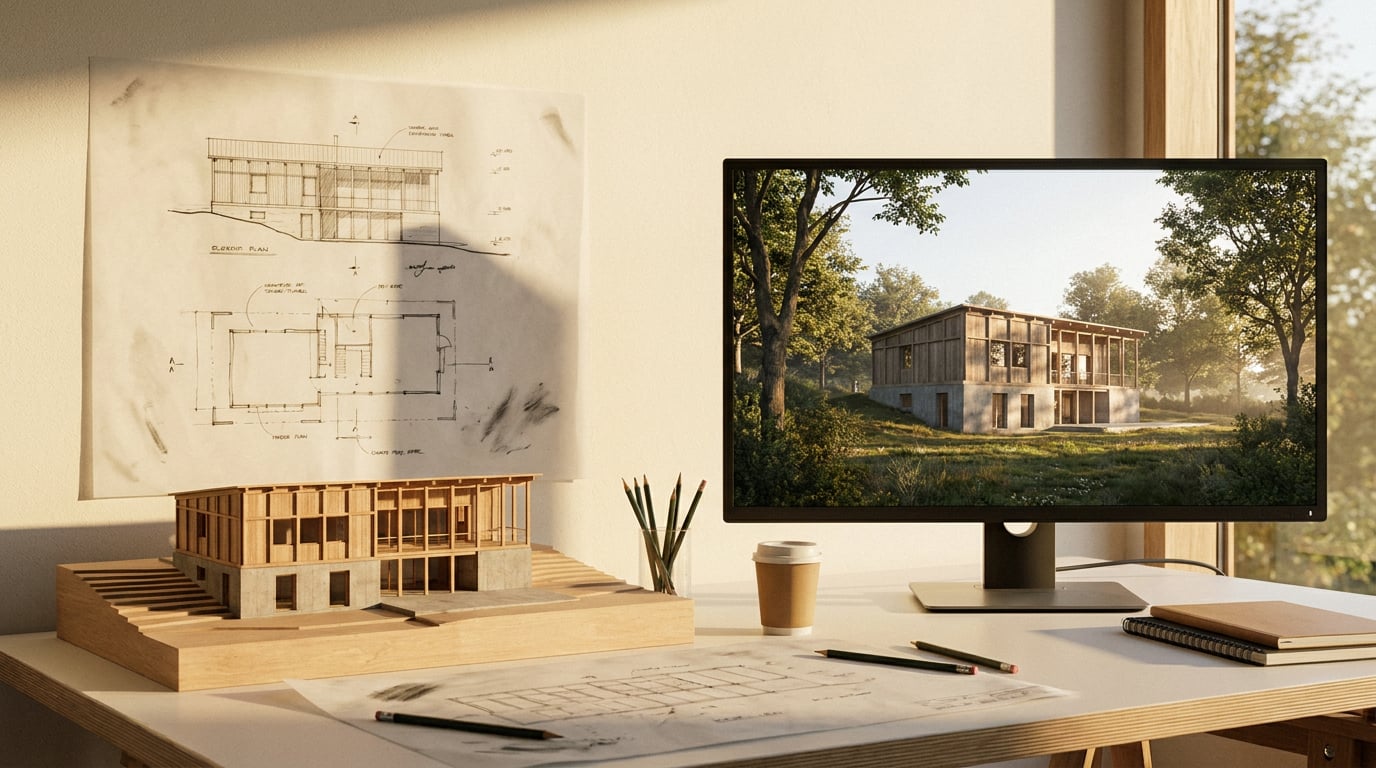
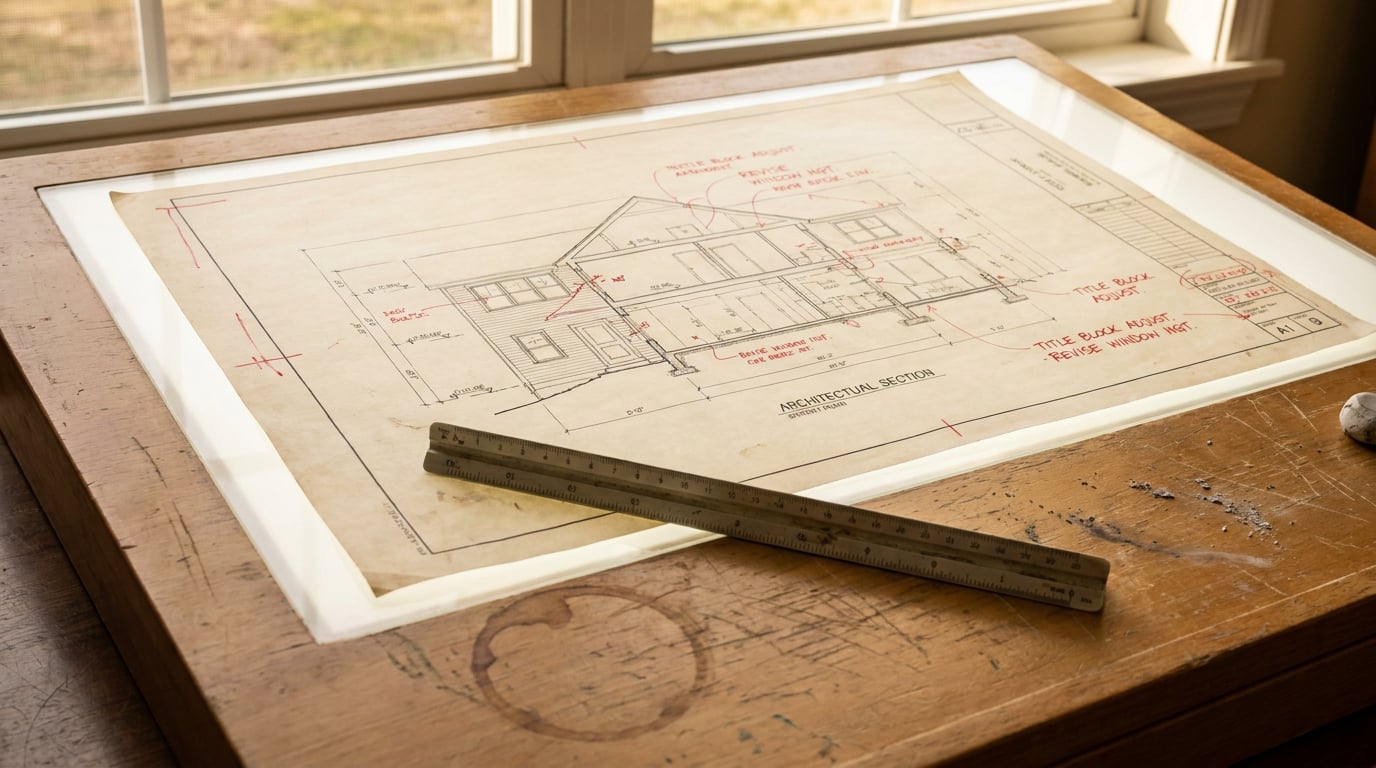
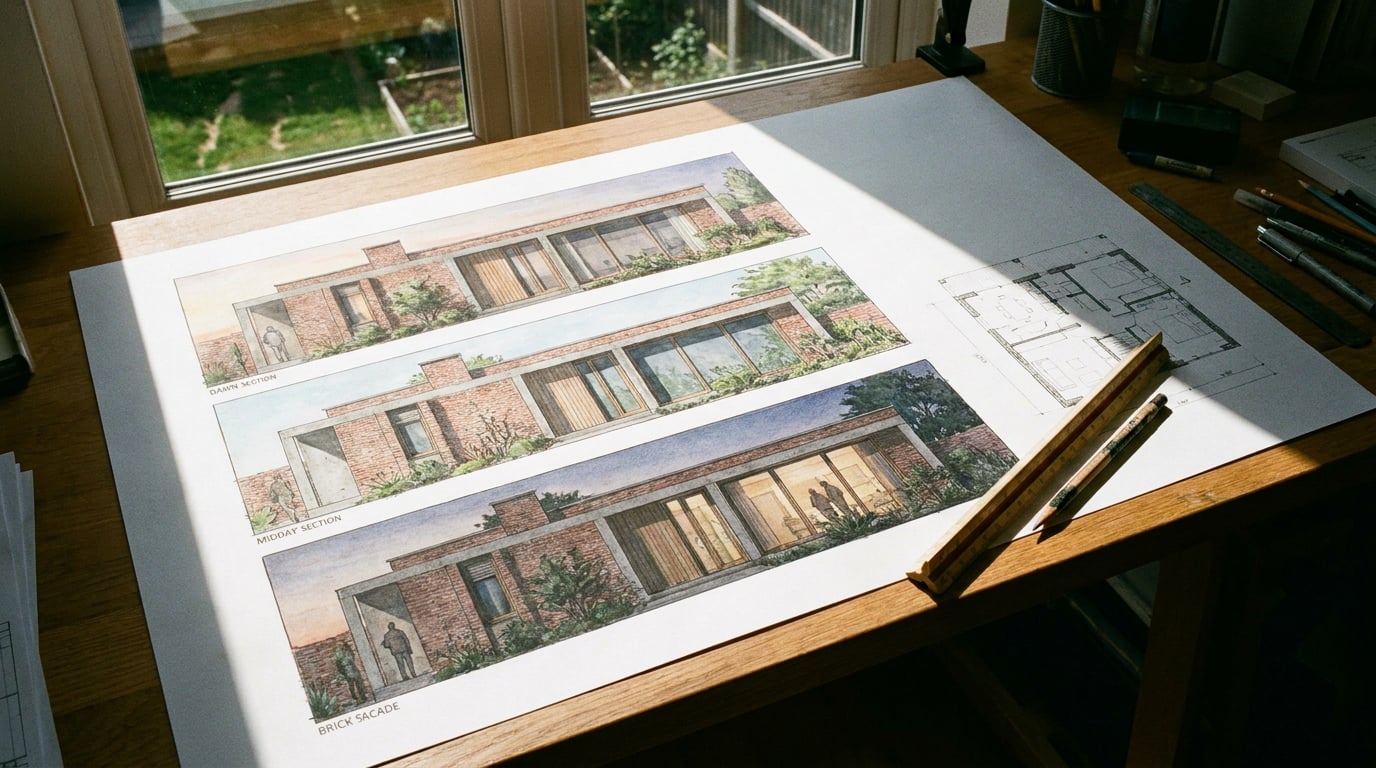
Try ArchAdemia Tools for yourself
Draw it, model it, render it, publish it. One place, built for architects and small practices. Plans from £29 a month, all in.