Publishing Your Project Page: From Final Render to Live Website.
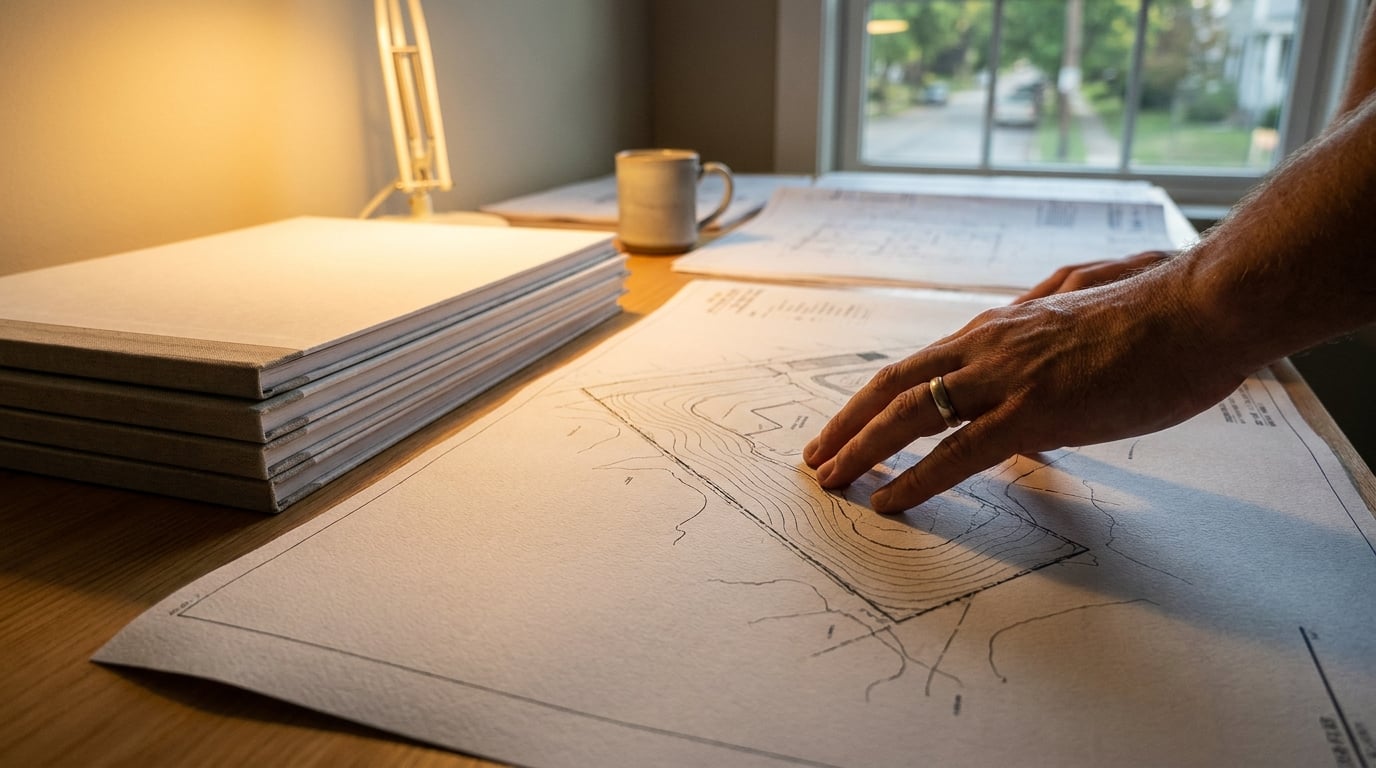
Turn a finished render into a live project page a client can open on their phone, without leaving the platform you rendered it in.
Why the render is only half the job
A finished exterior and interior set from Shoot proves the design works. It proves the massing reads, the materials hold up under light, the entrance sequence makes sense from the street. It does not prove anything about whether the practice is easy to hire, easy to reach, or easy to include in a submission pack. That gap between a good render and a usable asset is where most small practices lose momentum.
Most practices still send renders as email attachments or drop a PDF into a shared folder. The work is finished, but it never gets its own address on the internet. It cannot be dropped into a planning cover letter as a single URL. It cannot be pasted into a competition submission form. It cannot go on a LinkedIn post as a link that unfurls into a proper preview image instead of a naked file name.
A live project page changes that. One scheme becomes one shareable link: a Design and Access Statement can point to it, a competition entry can reference it, a client can forward it to their planning consultant without a covering email explaining what the attachments are. In Web, that page sits alongside the stills and the film pass as the last step in the same production line, not a separate marketing task picked up weeks later when someone finally has time.
Publishing is not a rebrand of the render. It is the delivery format the render was always heading towards.
Treat the project page as the final production stage, sitting right after the render pass and before the work goes anywhere else.
Getting renders ready before they leave the studio

Export the kept stills from Shoot at full resolution before touching anything else. Treat exterior and interior sets as separate galleries from the start, because grouping them logically at export time saves rebuilding the structure later inside the page itself. A scheme with a street-facing hero, three interior views and a roof plan diagram behaves very differently as a page depending on whether those images arrive pre-sorted or as one undifferentiated folder.
Run anything that needs a final pass through Retouch before it leaves the studio, not after it is already sitting on a live page.
- Enhance area on a hero shot that has gone soft at the edges. It re-renders the selected region at higher resolution with no prompt needed and composites it back through the selection, which matters for a wide exterior shot destined for a full-bleed hero.
- A re-light preset if the client wants the same view at dusk instead of overcast. Six presets, Golden hour through Night, regenerate the whole document at a different time of day as a new layer, so the original stays intact if the client changes their mind again.
- A material swap to test an alternate cladding before committing to what goes live. It replaces the texture in a selected area to match an attached reference, sitting as a toggleable layer rather than a destructive edit.
Keep at least one animated clip if Shoot's optional film pass was used on the scheme. A short film of the entrance sequence, someone approaching the front door as the light shifts, carries far more on a project page than a static hero image on its own. It is also the kind of asset that separates a page that feels current from one that reads as a rendering exercise from three years ago.
Name files by view before import: site-context, entrance, living-space, roof-plan. This sounds like a small habit, but it is the difference between building the page in Web as a drag-and-drop exercise and spending twenty minutes opening files to work out what each one shows.

Building the page in Web
Web generates multi-page landing pages and microsites, so a single project can be built as one page, or as its own small site with a page per view type: overview, interiors, site plan, contact. A larger scheme with a lot of material to show benefits from the second structure. A quick competition entry rarely needs more than one page.
Start with the hero exterior still. It is the first thing anyone sees, so it earns the top of the page. Build supporting sections underneath with the interior shots, and slot in the animated clip if there is one, usually best placed just after the hero or alongside the entrance sequence images it relates to.
Before publishing anything, open the SEO panel and set a title, a description and a social image for the page itself. This is not decoration. A link shared without these fields set shows a blank preview or, worse, a default placeholder when it lands in a client's WhatsApp or a planning officer's inbox. A page with a proper title and a chosen social image reads as a finished piece of work the moment the link is pasted anywhere.
While in the SEO panel, add the site favicon too. It is a small detail, the little icon in a browser tab, but it is exactly the kind of detail that separates a practice's own page from something built off a generic template in an afternoon.
Set up the contact form while the page is still open. It works with zero configuration, is spam-protected out of the box, and submissions land both in a Forms inbox inside the studio and as an email to the practice. A client enquiry generated by the page itself should never depend on someone remembering to check a folder.
A page without a title, description and social image set is a page that looks unfinished the moment it is shared, no matter how good the renders inside it are.
Publishing on a subdomain versus a custom domain
Every plan, including the trial, can build the page. Going live is where the paid tiers matter: publishing sits behind Pro and Max, while the build itself does not. That means a practice can lay out the entire page, test the gallery order, check the contact form, and only decide on the publishing route once the page is actually ready.
Publishing to an archademia.app subdomain is the fastest route when speed matters more than permanence. A competition deadline two hours away, a quick link to send a client before a site meeting: live in minutes, no domain purchase, no DNS to configure.
A custom domain, practicename.com, is worth the extra step for anything meant to last. A portfolio site sitting under the practice's own name, a flagship scheme that will be linked from the homepage for years, a body of work that should carry the practice's identity rather than a shared platform address. The extra ten minutes of setup pays for itself the first time someone finds the page through a search rather than a shared link.
| Situation | Best route |
|---|---|
| Competition entry due today | archademia.app subdomain |
| Client wants a link before a site visit | archademia.app subdomain |
| Flagship scheme linked from the practice homepage | Custom domain |
| Portfolio site meant to sit under the practice's name long-term | Custom domain |
Decide this per project rather than adopting one rule for everything the practice publishes. A one-off entry can happily live on a subdomain and be forgotten about once the deadline passes. The scheme going on the practice's own homepage deserves the practice's own domain from day one.
Building costs nothing extra; publishing live is the paid step. Decide the domain question per project, not once for the whole practice.

Wiring up enquiries and, if relevant, a shop
The built-in contact form covers the standard case without any further setup: a prospective client fills it in, the practice gets an email, nothing else to configure. For most project pages, this is the whole job.
For a practice already running a newsletter or a client mailing list, connect Brevo or Mailchimp so page submissions land straight into an existing list rather than sitting only in the studio's Forms inbox. It saves the manual step of exporting and re-importing contacts every few months, and it means a scheme's page is quietly feeding the same pipeline as everything else the practice sends out.
If the page is selling something, a portfolio print run, a workshop place, a self-published guide to planning small extensions, the Commerce panel wires a CTA button to the practice's own Stripe Payment Link, Gumroad, Lemon Squeezy, Shopify or a PayPal.me link. ArchAdemia Tools never touches the money at this level; the button simply points somewhere the practice already controls.
Pro and Max users can go further and connect their own Stripe account directly, adding real products with prices and stock so buyers check out on the practice's own Stripe. Orders land in an inbox inside the studio, stock tracking runs alongside it, and receipts, tax and refunds stay entirely on the practice's own Stripe account. Most project pages will never need this. A practice selling prints of its own visualisation work, or running paid CPD sessions off the back of a portfolio site, will.
Keeping the page current without starting over
A project page is not a one-time export that gets left alone once it goes live. When a scheme changes, a materials decision swaps the cladding from brick to timber, re-run the material swap in Retouch and update the image on the live page rather than rebuilding the whole thing from scratch. The page structure stays; only the asset inside it changes.
Add a second page for a follow-on project rather than replacing the first. A small practice's presence on the web should grow into a body of work over time, page by page, not stay as a single scheme that gets swapped out every time something new comes through the studio. A prospective client landing on the site should be able to see three or four schemes, not one that happens to be whatever was finished most recently.
Check the SEO panel again after any major edit. A page updated six months later with the original title and description undersells whatever newer work is now sitting on it. It takes thirty seconds to update and it is the sort of detail that goes unnoticed until a link is shared and the preview text describes a scheme that has since moved on.
Treat the published link as a living asset once it exists. Put it in the email signature. Put it on the Design and Access Statement cover page. Put it in the competition submission form, not just the one place it was first shared. A link that only lives in the message where it was first sent is a link that will be forgotten the next time it would have been useful.
The page a practice builds today should still be worth sending in a year. That only happens if it gets maintained, not just published once and left.
The render proves the design works. The page proves the practice is worth hiring. Both matter, and building them in the same workflow, from Shoot through Retouch to Web, means the second one never has to wait for someone to find the time.
Keep reading.

Try ArchAdemia Tools for yourself
Draw it, model it, render it, publish it. One place, built for architects and small practices. Plans from £29 a month, all in.