Final Crit Prep: Studio Model to Presentation Board in One Place.
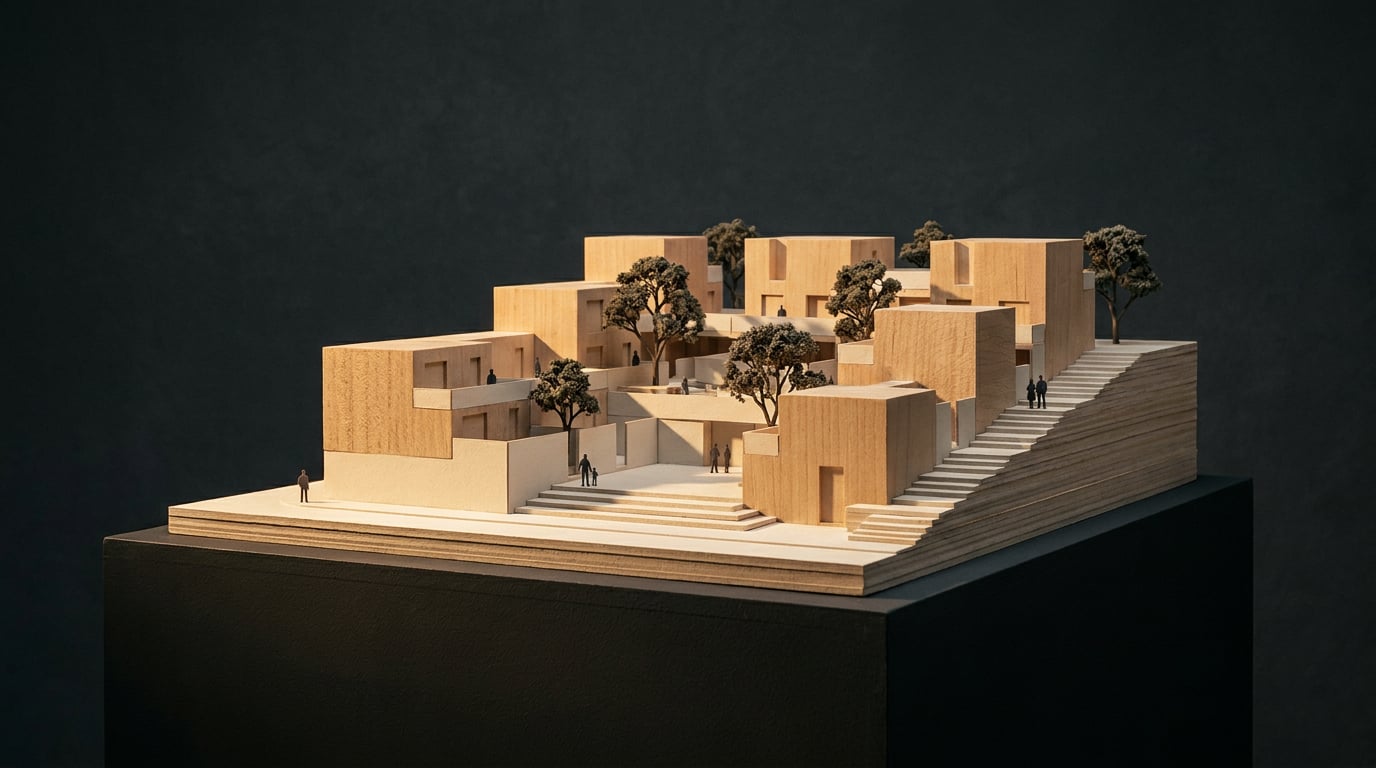
A working route from studio model to pinned A1 board: draw it, render it, set it on a sheet, and rehearse the crit without five tabs open the night before.
Why the Night Before the Crit Falls Apart
 It is 11pm. A Part I student has a SketchUp massing that looks fine from one angle, a folder of half-finished renders with filenames like "final_v3_USE_THIS", and a blank InDesign sheet. The scheme is not the problem. The route from model to pinned board is.
Count the hand-offs. The model lives in one app. Renders come out of a second. Retouching happens in a third, the board gets built in a fourth, and the PDF export is a fifth negotiation over fonts, colour profiles and page sizes. Every hand-off costs time and loses a little quality. Change one window the afternoon before the crit and you re-export four times.
The fix is not working faster. It is shortening the route. In ArchAdemia Tools you draw, render, retouch, lay out and export on one credit balance, with no file-format negotiation between steps. That is the product proposition, and this article walks through it on a single scheme.
Set your expectations accordingly. This is a workflow piece for students and junior staff in small practices: one scheme, from model to pinned board. Corb, the assistant, sits alongside as an advisor. He does not replace your design thinking, and the panel will be asking you the questions, not him.
It is 11pm. A Part I student has a SketchUp massing that looks fine from one angle, a folder of half-finished renders with filenames like "final_v3_USE_THIS", and a blank InDesign sheet. The scheme is not the problem. The route from model to pinned board is.
Count the hand-offs. The model lives in one app. Renders come out of a second. Retouching happens in a third, the board gets built in a fourth, and the PDF export is a fifth negotiation over fonts, colour profiles and page sizes. Every hand-off costs time and loses a little quality. Change one window the afternoon before the crit and you re-export four times.
The fix is not working faster. It is shortening the route. In ArchAdemia Tools you draw, render, retouch, lay out and export on one credit balance, with no file-format negotiation between steps. That is the product proposition, and this article walks through it on a single scheme.
Set your expectations accordingly. This is a workflow piece for students and junior staff in small practices: one scheme, from model to pinned board. Corb, the assistant, sits alongside as an advisor. He does not replace your design thinking, and the panel will be asking you the questions, not him.
The late-night crit failure is almost always a tooling failure. Fewer hand-offs means fewer places for a mismatch between model, renders and board to creep in.
Get the Model Crit-Ready in Linea
 Linea is the drawing and modelling studio, and it starts from what you already have.
### Import what exists
Bring in DXF or DWG plans, or an IFC, GLB, FBX, OBJ, DAE or STL from your studio model. The IFC and mesh formats are parsed in the browser, so nothing is uploaded. The import dialog draws the file before it lands. This matters more than it sounds: a practice CAD file routinely holds twenty-odd drawings in one model space on the same layers. The dialog outlines the separate drawings, so you click the one plan you need rather than cleaning the model space by hand. It is cut clean at the edge and lands on the origin.
### Block out, then build
Use the Massing workspace to set out footprints, push them into solids and pitch roofs by dragging an edge. Draw a rectangle on a face to set out a window, and Extrude punches it through. When the volumes are right, switch to Build for parametric walls, doors, windows, stairs and roofs.
Be clear about what this is. Linea is an everyday drawing and modelling tool, not BIM. For crit work that is the right level: you need drawings that agree with each other, not a fully coordinated information model.
### Sections and elevations that match the model
Cut sections and elevations from the model as real linework and issue them on a sheet at a true plotted scale, as a PDF with a title block. The drawings on your board then agree with the model behind them, because they come from it.
### Site and saved views
Place the scheme on a real location with ground and surrounding buildings. Save eye-height views so you can reissue them after the model changes the day before the crit. That one habit saves more late-night panic than any rendering trick.
### Ask Corb about the drawing
Corb sits beside the 2D/3D toggle. Questions about the drawing are free. For design advice he can read an untextured massing against your project notes: footprint, height against neighbours, roof form, how the building meets the ground. He says nothing about material, because an untextured model cannot show it. He never invents a dimension, and he never rules on compliance. He can name a planning or building-regulations issue and say who decides it. Whether the scheme complies is a call for whoever carries the professional liability.
Linea is the drawing and modelling studio, and it starts from what you already have.
### Import what exists
Bring in DXF or DWG plans, or an IFC, GLB, FBX, OBJ, DAE or STL from your studio model. The IFC and mesh formats are parsed in the browser, so nothing is uploaded. The import dialog draws the file before it lands. This matters more than it sounds: a practice CAD file routinely holds twenty-odd drawings in one model space on the same layers. The dialog outlines the separate drawings, so you click the one plan you need rather than cleaning the model space by hand. It is cut clean at the edge and lands on the origin.
### Block out, then build
Use the Massing workspace to set out footprints, push them into solids and pitch roofs by dragging an edge. Draw a rectangle on a face to set out a window, and Extrude punches it through. When the volumes are right, switch to Build for parametric walls, doors, windows, stairs and roofs.
Be clear about what this is. Linea is an everyday drawing and modelling tool, not BIM. For crit work that is the right level: you need drawings that agree with each other, not a fully coordinated information model.
### Sections and elevations that match the model
Cut sections and elevations from the model as real linework and issue them on a sheet at a true plotted scale, as a PDF with a title block. The drawings on your board then agree with the model behind them, because they come from it.
### Site and saved views
Place the scheme on a real location with ground and surrounding buildings. Save eye-height views so you can reissue them after the model changes the day before the crit. That one habit saves more late-night panic than any rendering trick.
### Ask Corb about the drawing
Corb sits beside the 2D/3D toggle. Questions about the drawing are free. For design advice he can read an untextured massing against your project notes: footprint, height against neighbours, roof form, how the building meets the ground. He says nothing about material, because an untextured model cannot show it. He never invents a dimension, and he never rules on compliance. He can name a planning or building-regulations issue and say who decides it. Whether the scheme complies is a call for whoever carries the professional liability.
Section drawings cut from the model, issued at true scale, mean your board and your model cannot disagree. Save eye-height views now and the late change costs you minutes, not an evening.
From Massing Shot to Rendered Perspective
 Send a perspective view straight from Linea into the rendering studio. One thing to hold in mind: Linea geometry is born in flat colour. A new wall is white, floors and roofs are light grey. Materials and atmosphere are decided at the render stage, so do not expect the model to arrive textured.
### A full set of stills with Shoot
Shoot is the stills-first surface. It generates a full set of camera angles for the scheme, with exterior and interior handled separately. A finished set of stills is a complete outcome on its own, and it covers the sequence of views a crit panel expects: approach, courtyard, section-revealing interior, a view that shows the scheme in its context.
### Testing one view with Corb on the canvas
Once you have an image you are happy with, wire it into Corb on the Canvas and ask for variations. He spawns two to six nodes off that one image, varied along a single axis: camera, lighting, weather, entourage or grade. A clause holding the geometry, massing and openings still is written into every prompt in the set. Treat it as a preservation instruction to the model, not a geometric lock.
These are readings of the same building, not alternative schemes. Corb is not designing options for you.
**Worked example.** Take one east-facing courtyard view. Test it at overcast, golden hour and dusk. Overcast shows the brick honestly and is the safest for a planning-style reading. Golden hour flatters the facade but can flatten the depth in the reveals. Dusk lights the windows and sells the idea of occupation. Choose the one that sells the scheme, not the one that happened to render first.
### Keeping credit use sensible
The variations land idle and cost nothing until you run them. The card shows the price before anything is generated, so you decide what is worth spending on.
Send a perspective view straight from Linea into the rendering studio. One thing to hold in mind: Linea geometry is born in flat colour. A new wall is white, floors and roofs are light grey. Materials and atmosphere are decided at the render stage, so do not expect the model to arrive textured.
### A full set of stills with Shoot
Shoot is the stills-first surface. It generates a full set of camera angles for the scheme, with exterior and interior handled separately. A finished set of stills is a complete outcome on its own, and it covers the sequence of views a crit panel expects: approach, courtyard, section-revealing interior, a view that shows the scheme in its context.
### Testing one view with Corb on the canvas
Once you have an image you are happy with, wire it into Corb on the Canvas and ask for variations. He spawns two to six nodes off that one image, varied along a single axis: camera, lighting, weather, entourage or grade. A clause holding the geometry, massing and openings still is written into every prompt in the set. Treat it as a preservation instruction to the model, not a geometric lock.
These are readings of the same building, not alternative schemes. Corb is not designing options for you.
**Worked example.** Take one east-facing courtyard view. Test it at overcast, golden hour and dusk. Overcast shows the brick honestly and is the safest for a planning-style reading. Golden hour flatters the facade but can flatten the depth in the reveals. Dusk lights the windows and sells the idea of occupation. Choose the one that sells the scheme, not the one that happened to render first.
### Keeping credit use sensible
The variations land idle and cost nothing until you run them. The card shows the price before anything is generated, so you decide what is worth spending on.
Variations are different readings of one building, not different buildings. Change one thing at a time and pick the view that sells the scheme.
Fix the Render Before the Panel Finds the Flaw
Every crit panel has a member who looks at the one soft corner of your perspective. Retouch is where a good-enough render becomes a board-ready one. ### Generative fill and Enhance area Mask a region, prompt it, and the result lands on a new layer rather than overwriting the render. For a wide perspective that has gone soft or repetitive in one zone (a paving pattern that tiles obviously, a distant facade that has smudged), use Enhance area. It re-renders the selected region at higher resolution with no prompt and composites it back through the selection. ### Material swap, selected by description Select an area, attach a reference image, and Material swap replaces its texture to match, as a toggleable layer. You do not have to trace the area by hand: select by typed description, such as "all the brickwork", and every matching region is selected for you. ### Re-light and grade Six one-click presets (Golden hour, Dusk, Blue hour, Night, Overcast, Sunny) regenerate the document at a different time of day or weather as a new layer. Then use the Camera Raw style Adjust panel to grade. **A practical rule for the crit:** grade every render on the board with the same adjustment layer. When the sheet's images share a colour treatment, the board looks designed rather than collected. Adjustment layers are non-destructive and maskable, so you can pull the grade back from a region without starting again. Open several renders in tabs across the top of the window and switch between them without losing undo history or unsaved edits in a backgrounded one. That makes matching a set of five views a quick job rather than a file-juggling exercise.| Problem on the render | Retouch tool | What you get |
|---|---|---|
| Soft or repetitive region | Enhance area | Higher-resolution re-render of the selection, no prompt |
| Wrong facade material | Material swap | Texture matched to a reference, as a toggleable layer |
| Wrong time of day | Re-light presets | Whole document regenerated as a new layer |
| Set looks inconsistent | Shared adjustment layer | One grade across every image on the board |
Grade the whole set with one adjustment layer. A consistent colour treatment is the cheapest way to make a board look intentional.
Build the A1 Board in Layout and Export It
Layout is the sheet the scheme leaves on. It has two modes over one document model: a Sheet (a single large surface, A1 landscape by default, for the crit board) and a Document (many A3 pages, for the Design and Access Statement or portfolio). ### Start from a template and a grid Pick the Competition Board, Presentation Board or Image-led Board template, set to A1 landscape. The templates are pre-populated with placeholder text and image frames only, so you are never inheriting someone else's content. Choose a Manuscript, Columns or Modular grid and every element snaps to it. The grid is a reference overlay: it never appears in an export or a shared page. ### Place, set type, draw Drag renders in from the gallery or straight off your desktop. Set type from the 300-family type library, or use brand fonts you have uploaded. Pull guides off the rulers. The Pen tool draws diagram arrows and freeform lines, and arrowhead presets (circle, 15° or 45° arrow, open or filled) can sit at either end. All of this is manual layout work and costs no credits. ### Let Corb draft, then rewrite it Select a text frame (design statement, caption, concept summary) and ask Corb to fill it, or ask him to build a first-draft document page by page from a prompt. Use Sonnet, Opus or Fable as you prefer. Ask for your own words first, and treat his draft as a starting point you edit. In front of a panel, the design thinking has to be yours, and a paragraph you have not read carefully is a liability. Asking Corb to write or build uses credits; everything else in Layout does not. ### Export and share Export a vector multi-page PDF at true sheet dimensions, with optional bleed and crop marks for print. You can also export PNGs or a ZIP of every page. For remote crits, share a read-only public link that stays current as you edit. Free-trial links carry a small footer, which paid plans remove.When the model, the renders and the sheet all come from one source, a late change to a window means one update, not four re-exports. That is the whole argument for shortening the route.
Keep reading.
Try ArchAdemia Tools for yourself
Draw it, model it, render it, publish it. One place, built for architects and small practices. Plans from £19 a month billed yearly (£228 a year), all in.