Before-and-After Options for Conservation Officers and Clients.
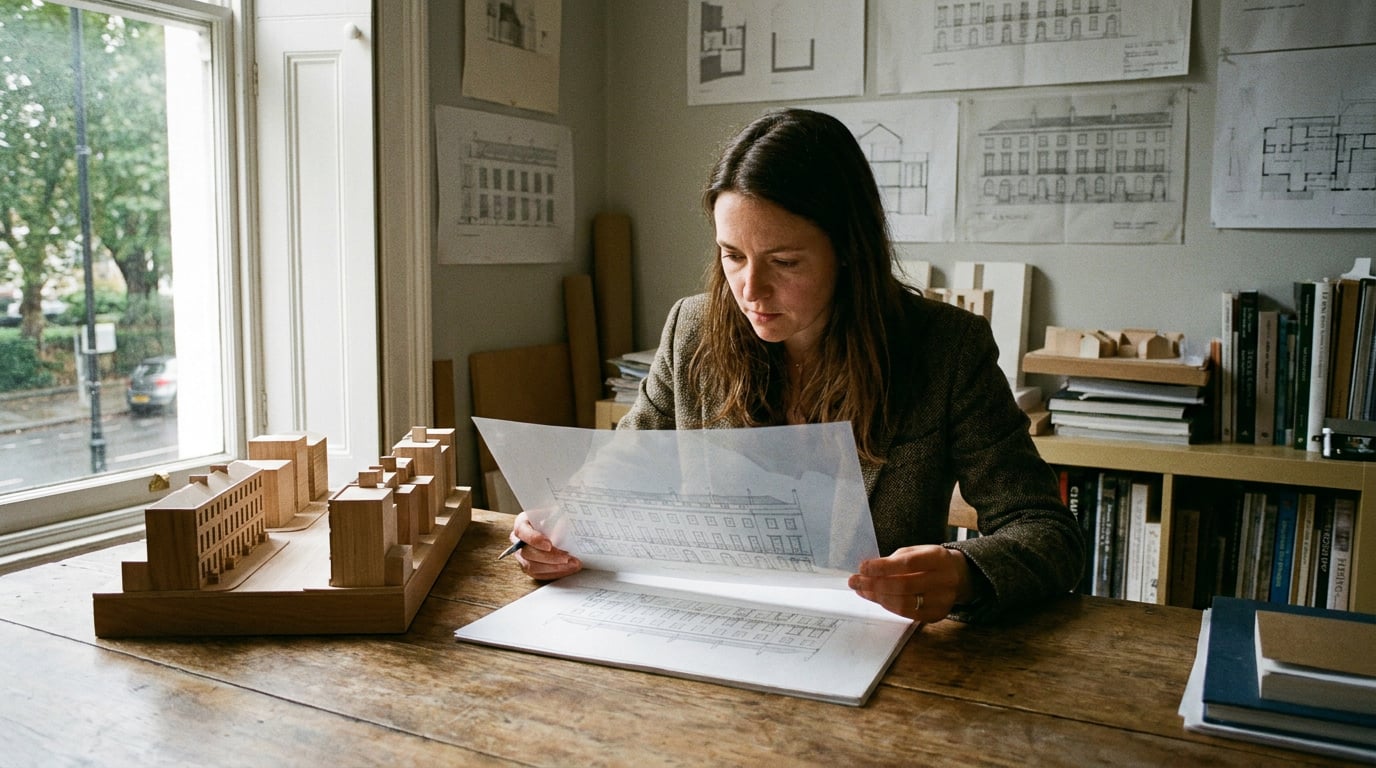
Conservation officers and clients read different drawings. Here is how heritage and refurbishment practices show before-and-after options both can follow.
A conservation officer and a client can stand in front of the same image and ask completely different questions of it. The officer wants to know what is being lost, what is being kept and whether the intervention can be undone. The client wants to know what the place will feel like at eight on a Tuesday morning with the kettle on. One image rarely answers both, and an image that tries usually answers neither well.
The practical fix is to stop thinking about a single before-and-after and start thinking about two outputs from one source. This article walks through a workflow for heritage and refurbishment architects that does exactly that, using Retouch, Linea and Layout inside ArchAdemia Tools. The survey stays authoritative. The visualisation makes your options easier to read.
Two Readers, Two Different Questions

Build two sets of images from the same survey photographs: an evidential set for the officer and an experiential set for the client. Because both descend from the same base photographs, the two sets can never contradict each other. The officer's overcast elevation and the client's golden-hour view share one camera position, one lens and one record of what exists.
| Evidential set (officer) | Experiential set (client) | |
|---|---|---|
| Question answered | What is retained, altered, lost? Is it reversible? | What will it be like to use and live with? |
| Lighting | Flat, overcast, unflattering | Golden hour, dusk, occupied |
| Framing | Fixed survey viewpoints, repeated | Eye-level moments, entourage |
| Labelling | Explicit: existing, proposed, retained fabric | Light caption on what changes |
| Companion documents | Heritage statement, scaled drawings, schedules | Plans, budget, programme |
A caution before the workflow. Illustrative views supplement the heritage statement, the Design and Access Statement, the scaled drawings and the schedules. They do not replace them, unless a particular project's local validation requirements say otherwise. The images sit alongside the evidence and make the argument easier to read. They never establish what exists. The measured survey and the material record do that.
Name the rule at the start of every set: the existing fabric is the constant, and each option varies only what is proposed.
This is a recommended working discipline rather than statutory guidance, but it is a defensible one. If an officer can see that nothing else moved between frames, they can concentrate on the thing you are asking them to judge.
Start From Your Own Survey Photographs, Not a Blank Prompt
Heritage work begins with the building as found: the shopfront, the party wall, the inserted partitions, the cornice that somehow survived three tenancies. Resist the temptation to generate a picture of the building from a description. Bring your own survey photographs into Retouch and make them the base layer of every before-and-after.
Protect the original fabric with a typed selection
Per ArchAdemia's product documentation, Retouch lets you select by typed description. Type "all the brickwork" and every matching region is selected. Invert, feather or add to the selection as you would in any serious image editor. The point in heritage work is protective: once the original brickwork, stonework or joinery is isolated, you can confine every proposed edit to the areas you are actually changing, and the retained fabric is never touched by accident.
Selections also clip the paint tools, so a stray brush stroke near a surviving window head cannot spill onto it. For a simple rule of thumb, make the retained-fabric selection first, then invert it and work only in the inverted area.
Keep the before intact underneath every after
Retouch is non-destructive. Each proposed change lands on its own layer above the untouched survey photograph. Toggle a layer off and the building as found returns. Toggle it on and the officer sees exactly what changes and, just as importantly, nothing else. For a conservation audience this is the whole value of the exercise: the comparison is a switch, not two separate pictures that might differ in ways nobody intended.
Lift soft detail without inventing design
Survey photographs are rarely perfect. A carved bracket shot from the pavement, a stained window head in poor light: these often come out soft. Enhance area re-renders a selected region at higher resolution with no prompt and composites it back through the selection. Because there is no prompt, you are asking for clarity, not new design. Use it to make a soft region legible for the page, and be honest in your caption that it is an enhanced reading of a survey photograph, not a record of the fabric. If a detail matters to the heritage significance, the original photograph and the measured survey remain the evidence.
Select the original fabric first, protect it, then edit only the inverse. The officer should never have to wonder whether a retained cornice was quietly redrawn.
Building the Option Set: Reversible Intervention Versus Full Replacement

Officers respond well to a scheme that has visibly weighed the lighter-touch alternatives before arriving at its proposal. So show the options as a ladder, not a single hero image:
- Retain and repair. The minimum intervention. What is kept, what is mended, what is made good.
- Sensitive adaptation. Reversible alterations that allow new use without removing significant fabric.
- Replacement. The more ambitious option, shown last, so the case for it reads against the alternatives already considered.
Presenting the full ladder tells the officer you have done the thinking. It also gives you a record of why the lighter options were or were not sufficient.
Test materials on the real elevation
Retouch's material swap replaces a selected area's texture to match an attached reference, and it arrives as a toggleable layer. Select the wall or roof slope, attach a photograph of the proposed material and compare. Test a lime render against a cement repair, or reclaimed slate against a modern substitute, on the actual elevation rather than a generic sample. Because each swap is a layer, you can flick between options in front of the officer and keep every alternative in the file.
Treat these as visual comparisons of appearance. A swapped texture says nothing about performance, compatibility with the historic substrate or breathability. Those belong in the specification and the heritage statement.
Use variations for presentation, not for design
On the canvas, Corb can spawn a set of variations (the product documentation describes two to six) from one image he has been shown, varied along a single axis such as lighting or entourage. A clause is written into every prompt in the set instructing the model to hold the geometry, massing and openings still. That is a preservation instruction to the model. It is not a geometric guarantee, and you should check every variation against the source before it goes anywhere near an officer.
Be explicit with your audience about what variations are. They are readings of an image you already have, not alternative schemes. Four ways this corner reads at different times of day is a presentation aid. The design decisions, and the responsibility for them, stay with the architect. Corb will tell you about planning, building regulations or heritage issues that matter, but he never rules on whether a scheme complies. That call belongs to whoever carries the professional liability.
Modelling the Intervention in Linea, Then Showing It in Context

Photographs carry the argument visually, but the evidential drawings still have to be right. This is where Linea earns its place. It holds a 2D plan and a 3D model of the same building, edited together, so the plan and the model never drift apart.
Start from real survey geometry
Import the measured DXF or DWG from your survey so the work begins from real geometry rather than an approximation. Per the product documentation, Linea also imports IFC from Revit or ArchiCAD. A practice CAD file often holds many drawings in one model space, so the import dialog draws the file first and finds the separate drawings inside it. Click one outlined region, or drag a box by hand, and the import is cropped to that single plan.
Then draw the proposed insertion against it: the new opening, the infill, the extension. Linea is a drawing and modelling tool and not BIM. For heritage work that is often exactly right: you are describing an intervention to a building, not managing a data model of it.
Issue the evidential drawings at true scale
Cut sections and elevations from the model as real linework and issue them on a sheet at a true plotted scale, on a chosen paper size, with a title block. That is the evidential drawing the officer expects. The perspective image helps them read it; the scaled drawing is what they rely on.
Place the scheme in its setting
Heritage significance rarely stops at the red line. Linea can place the scheme on its real location, with the ground and surrounding buildings, so the setting and the effect on neighbouring heritage assets becomes visible. This matters for any application where the officer has to consider the impact on adjacent listed buildings or a conservation area character.
Send a matching view to the rendering studio
Send a perspective view straight from Linea into the rendering studio for the client-facing image. Better still, use a saved eye-height view captured while walking the model, so the visual matches the street the officer will actually stand in. A view from eye height at a recognisable location is far more persuasive, and far harder to challenge, than a flattering bird's-eye.
Draw it, cut it, issue it at scale. The scaled sheet is the evidence. The perspective is how you make the evidence readable.
Re-Lighting the Same View: Showing Impact Honestly
Light is where visualisation most often flatters, and officers know it. The honest answer is to show the same view under more than one condition, and to label which is which.
Retouch has six one-click re-light presets: Golden hour, Dusk, Blue hour, Night, Overcast and Sunny. Each regenerates the whole document at a different time of day or weather and lands as a new layer, so your base remains untouched underneath.
Overcast for the officer, golden hour for the client
Make Overcast the default for the officer set. A scheme that reads well on a flat grey day is a scheme that does not depend on good weather to be acceptable. Reserve the golden-hour version for the client, where mood and atmosphere are legitimate things to want. Label both clearly so neither is mistaken for the other. An officer who finds a sunlit image in their pack labelled as an evidential view has every right to wonder what else has been polished.
Test the question that only a dusk view answers
Some conservation questions are about light, not form. How does a new glazed extension read against a listed frontage at dusk, when internal lighting becomes part of the street scene? Generate the Dusk or Blue hour version and look. Sometimes the answer is reassuring; sometimes it sends you back to the glazing proportions or the fixture specification. Either outcome is a better use of the tool than a pretty sunset.
Keep the camera locked
Across the before and every after, hold the camera position and field of view identical. A shifted lens undermines the comparison and invites challenge: if the proposed building looks smaller in the after, an officer will reasonably ask whether it is smaller or whether you stepped back. Start every set from the same survey viewpoint, and check alignment by toggling layers before you export anything.
Show the scheme on its worst day as well as its best. An overcast view that holds up is worth more to an officer than a dozen golden-hour ones.
Laying It Out: One Sheet for the Officer, One for the Client
The last step is turning images and drawings into the documents each reader will actually use. Layout handles both, in two modes over one document model.
The officer's pack: a Document at A3
Build the officer's pack as a Document at A3, starting from the Design and Access Statement template as a structure. Place before-and-after pairs on facing pages so the comparison is a turn of the page. Run the options ladder across a single spread so retain-and-repair, sensitive adaptation and replacement can be read side by side. Keep captions plain and specific: what is original, what is proposed, what is reversible.
The client's board: a Sheet at A1 landscape
Build the client version as a Sheet at A1 landscape, the pin-up board. Set the before beside the proposed, with a short caption on what is retained and what changes. This is where the golden-hour and occupied views belong. A client reading a board across a table wants to see the story at a glance, then the detail.
Export and share
Export a vector multi-page PDF at true sheet dimensions for submission, or share a read-only public webpage that stays current as the document is edited. Free-plan share links carry a small footer, which paid plans remove. Manual layout work costs no credits in Layout, so refining the pack as the officer's comments come back costs nothing beyond your time.
A rule of thumb to close the sheet
Before anything goes out, run one test. Hand the page to someone who does not know the building and ask them to point to what is original. If they cannot, the image has not done its job, however good it looks.
Use the tools to make your options legible, not to establish what exists. The survey, the drawings and the heritage statement carry the evidence; the images carry the reader to it.
That is the working pattern: one set of survey photographs, one fixed camera, a ladder of options, honest lighting, and two documents cut from the same source. Between Retouch for the images, Linea for the measured drawings and Layout for the pack, ArchAdemia Tools keeps the whole sequence in one place, so the officer's set and the client's board stay consistent because they were never built separately.
Keep reading.
Try ArchAdemia Tools for yourself
Draw it, model it, render it, publish it. One place, built for architects and small practices. Plans from £19 a month billed yearly (£228 a year), all in.