Final Year Architecture Submission: From Studio Model to Printed Portfolio.
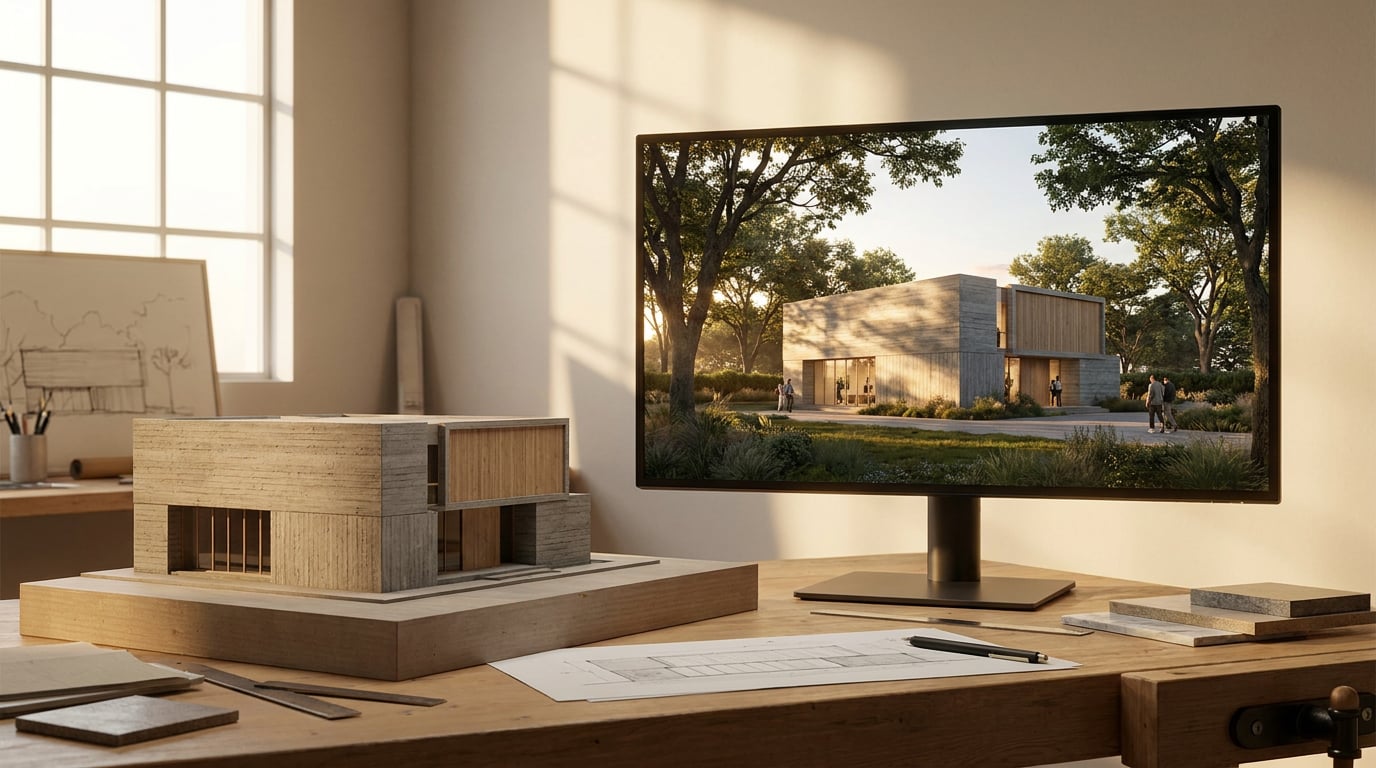
Your model is photographed, your drawings are done, and the deadline is close. A step-by-step route from studio model to crit boards and a printed portfolio.
Plan the Submission Backwards From the Print Deadline
 A final year submission is three separate jobs wearing one deadline. The crit boards, the printed portfolio and the physical model each have a different way of failing, and treating them as a single "submission" is how a student ends up retouching photographs at 2am while the print shop closes.
List them separately and name the failure point of each:
A final year submission is three separate jobs wearing one deadline. The crit boards, the printed portfolio and the physical model each have a different way of failing, and treating them as a single "submission" is how a student ends up retouching photographs at 2am while the print shop closes.
List them separately and name the failure point of each:
- Crit boards: a Sheet, A1 landscape by default. They fail at viewing distance. Type too small, a hero image that does not hold, drawings that fight each other for attention.
- Printed portfolio: a Document at A3 pages. It fails in the sequence. Spreads that repeat the boards without being re-paced for a turning page.
- Physical model: it fails in transit and in photography. A glued joint that gives way, a tower that cannot be shot without a visible pin.
Three deliverables, three failure points. Name them on day one and schedule the print slot first, with a proofing round built in.
Photograph the Studio Model So It Reads Like a Design Decision
 Model photography is where most final year portfolios quietly lose marks. The model is good; the photograph makes it look like a craft project. The fix is to shoot for the argument the model makes, not for completeness.
Three frames carry most schemes:
Model photography is where most final year portfolios quietly lose marks. The model is good; the photograph makes it look like a craft project. The fix is to shoot for the argument the model makes, not for completeness.
Three frames carry most schemes:
- One overall view that establishes the massing in its context.
- One section-style cut that shows the spatial idea inside the volume.
- One detail that carries the concept: a junction, a screen, the moment the roof meets the wall.
Clean the images without destroying them
Open the set in Retouch. Pins, glue marks, dust on the plot and a stray fingerprint on the card come out with the Clone Stamp and Healing Brush, and because Retouch is non-destructive, the cleanup lives on its own layer rather than baked into the pixels. Put the grade on an adjustment layer and it stays editable, and maskable, across the whole set. If a tutor says the shadows are too heavy after crit, you change one layer rather than re-export from scratch.Grade the set together
Grade the whole set as a family, not one photograph at a time. Match white balance and contrast across every image, then put them side by side and check. A model shot at 4pm on Tuesday and a detail shot under a desk lamp on Thursday will not match until you make them match. The Adjust panel gives you Light, Colour, point curves and HSL bands, and its grade can sit as its own adjustment layer so you can copy the same treatment across documents. Where a shot has gone soft, use Enhance area. Select the region, and Retouch re-renders it at higher resolution with no prompt, compositing it back through your selection. This matters at A1 viewing distance, where a slightly soft joint on a laptop becomes obviously soft on the wall. It is a rescue for a near-miss, not a substitute for reshooting a frame you could simply shoot again.Shoot the model for the argument it makes: one overall, one section-style cut, one concept detail. Grade them as a set, not as strangers.
Bring the Drawings In Without Redrawing Them
 Redrawing a plan to get it onto a board is the most expensive hour in the submission, and it is rarely necessary. Plans, sections and elevations from studio CAD files can go straight into Vector: import a vector-ready PDF export or a DXF and it lands as real, editable linework rather than a flattened picture.
A studio CAD file often holds twenty-odd drawings in one model space, all sharing the same layers. Ticking layers cannot separate a ground floor plan from a section when both sit on the same layer set. Vector's import report solves this by finding the separate drawings in the file and outlining each on the preview. Click one and the import crops to just that drawing. If the detection misses, drag your own box on the preview and it does the same thing.
Redrawing a plan to get it onto a board is the most expensive hour in the submission, and it is rarely necessary. Plans, sections and elevations from studio CAD files can go straight into Vector: import a vector-ready PDF export or a DXF and it lands as real, editable linework rather than a flattened picture.
A studio CAD file often holds twenty-odd drawings in one model space, all sharing the same layers. Ticking layers cannot separate a ground floor plan from a section when both sit on the same layer set. Vector's import report solves this by finding the separate drawings in the file and outlining each on the preview. Click one and the import crops to just that drawing. If the detection misses, drag your own box on the preview and it does the same thing.
Make the scale real
Set the real-world scale from a standard ratio, or calibrate against a known distance. A drawing at 1:100 then carries a true scale bar, and that bar regenerates automatically if you change the scale. For a DXF the file's own units come across and the drawing lands at true 1:1 scale; where a PDF carries no scale, calibrating against a dimension you trust takes ten seconds. The Measure tool then reports distances, areas and perimeters in real units, which is a quiet way to catch a wall that has drifted out of dimension before a tutor does.Make the linework legible
Tidy line weights with the ISO pen-weight presets and the Layers panel. Cut lines heavier, projected lines lighter, hatching lighter still. Where a plan sits on a tinted board, Multiply on a region fill is the setting that matters: the colour sits behind the linework and the linework keeps reading through it, instead of the fill muddying the walls. Export the finished drawing as a vector PDF or SVG for the boards. If a lecturer wants the geometry back, a DXF carries the linework at true scale, with no fills or gradients, which is exactly how CAD files are expected to behave. From the DXF export you can also open it directly in Linea, which creates a new empty model ready to import it. A practical comparison: a student who redraws six drawings by hand loses most of a day and introduces six chances for a transcription error. A student who imports, crops, sets scale and exports spends the same hour on the one thing only they can do, which is deciding what each drawing is for.Import the studio CAD file, crop to the single drawing you want, and set a real scale. Redrawing is a cost you only pay once, so do not pay it.
Build the Crit Boards in Layout
Open a Sheet at A1 landscape. Pull guides off the rulers and set the layout grid so image frames, drawings and text columns lock into a clear reading order. A reader at a crit should be able to find the start of the story from across the room and follow it without being told where to look. Place work by dragging imagery from the gallery or straight off the desktop. Keep one hero image per board and let drawings carry the rest. A board with four equally loud images has no hierarchy, and a board without hierarchy forces the student to talk over it.Set the type deliberately
One family, three sizes: a title, a caption and a body. Layout carries a self-hosted library of 300 type families, so there is no need to improvise with whatever the school computers have installed. If the school has a house typeface, upload it as a brand font and it is shared with Retouch, so a caption in a retouched image matches the caption on the board.Annotate with real linework
Draw diagram arrows and annotation lines with the Pen tool, then edit them afterwards with Direct Select. Cap them with an arrowhead preset (circle, 15° or 45° arrow, open or filled) rather than dropping in loose arrow images that will not scale or align. Because these are real paths, they export as vector and stay crisp at A1.Test at pin-up distance
Print one board at A3 and read it from two metres. Anything illegible there will be illegible on the wall. This is the cheapest and most honest test in the whole workflow, and it takes one sheet of paper. If a caption disappears, the type is too small. If two images blur into one, the gutter is too tight. If you are building several boards in a run, check them against each other as a set on the wall or on screen. A change of grid between boards is the most common reason a submission looks like it was made by three people.One hero image per board, one type family, one grid. Print an A3 and read it from two metres before you commit to A1.
Turn the Same Material Into the Printed Portfolio
The portfolio is the same material as the boards, re-sequenced for a different reader. A board is read standing up, in seconds, from a distance. A portfolio is read seated, page by page, with time to look closely. Move to a Document at A3, using the Portfolio or Project Book template, and reuse the board imagery and drawings, but re-pace them for turning pages rather than a pin-up wall. Pace the spreads in a rhythm: a full-bleed image, then a drawing-led spread, then a text-led spread. Resist filling every page. White space is not wasted space in a portfolio; it is the pause that makes the next spread land. A tutor flipping through forty pages of equally dense material remembers none of it.Draft the words, keep the thinking
Ask Corb in Layout to draft the project statement or caption text for selected frames, then edit it in your own voice. Corb writes copy on a model you pick (Sonnet, Opus or Fable); the design thinking stays yours. The practical use is the blank-page problem: a rough paragraph about the site and the concept to react to is faster than staring at an empty frame. Asking Corb to write uses credits, whereas manual layout work costs none.Export for the printer
Export a vector multi-page PDF at true sheet dimensions, adding bleed and crop marks for the printer, and a ZIP of page PNGs as a backup. The vector PDF keeps linework and type sharp at any print size, which is exactly why the drawings came in as linework rather than screenshots.Share it as a link
Share the portfolio as a read-only public webpage for tutors, externals and employers. The link is revocable and re-issuable, and it stays current as you edit, so the version an employer opens in March is the version you finished in March, not the one you emailed in January. On the trial or a free-plan link a small footer appears; paid plans remove it.A board is read from across the room. A portfolio is read from across the table. Re-sequence for the reader, not for the file.
Final Checks Before the Print Shop and the Crit
Run a proofing checklist before anything leaves the building:- Resolution on every placed image, checked at the size it will print.
- Consistent line weights across every drawing.
- Bleed set and crop marks on, where the printer needs them.
- Fonts embedded, so the PDF looks the same on the printer's machine.
- Page order matches the contents page.
Keep the masters live
Keep an editable master of everything. Layout documents, Vector drawings and Retouch layers stay live, so late corrections after crit feedback cost minutes rather than a rebuild. A tutor who asks for the section to be redrawn at a different line weight, or the photographs warmed by a touch, is asking for ten minutes of work if the masters are intact. A note on generative tools. Short video clips or atmosphere frames can supplement a portfolio, showing a spatial sequence or a change of daylight, and credit-based pricing varies widely by vendor, so check current rates before committing. Rough generated 3D geometry is exploratory at best, and hosted models can be retired, so export and keep any mesh and its source image yourself. None of this replaces plans, sections, elevations or the physical model, which are what the submission is assessed on.Close with a delivery folder
Finish with a single folder, named and dated:- Print-ready PDFs for the boards and the portfolio.
- The share link for the web version.
- A DXF set of the key drawings.
- The graded model photographs.
Plan from the print slot, build on one grid, keep every master editable, and proof before you print. The submission that survives crit feedback is the one you can still change.
Keep reading.
Try ArchAdemia Tools for yourself
Draw it, model it, render it, publish it. One place, built for architects and small practices. Plans from £19 a month billed yearly (£228 a year), all in.