The Final-Year Portfolio Without Four Separate Subscriptions.
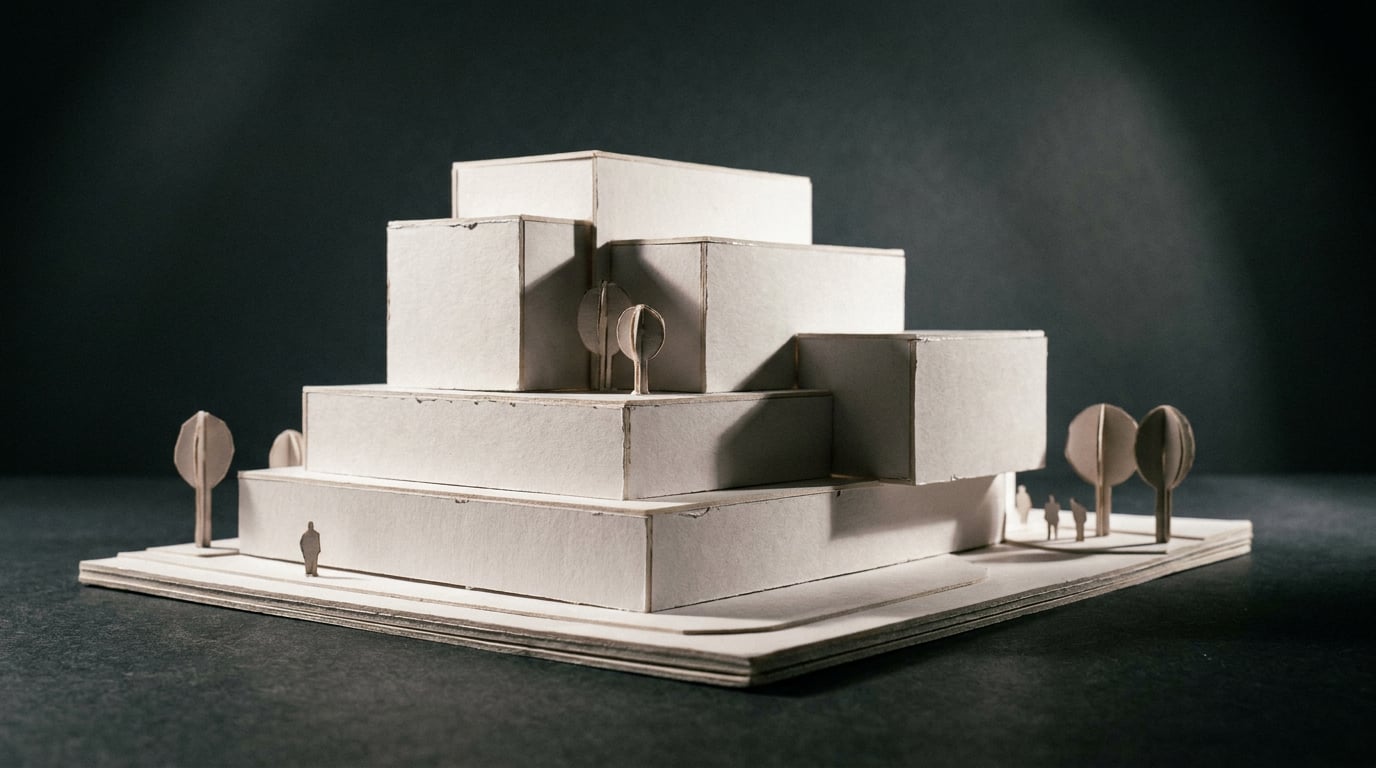
Rendering, drawing, layout and a portfolio document usually mean four logins and four invoices. Here's how to run the whole final-year submission from one.
The subscription stack most students end up with by March
By the time crits stack up in the final term, most architecture students are running some version of the same four subscriptions. A renderer, usually tied to whatever host software the studio taught in first year. A diagramming or drawing tool for the analytical work. A layout application to bind it all into a submission. And, increasingly, a separate AI writer for the design and access statement, the reflective essay, the technical report nobody wants to write at 2am the night before hand-in.
Priced honestly, that stack runs somewhere between £50 and £80 a month. A student render licence for V-Ray, Enscape or Lumion typically sits at £15 to £40, often bundled awkwardly with a host CAD subscription. A diagramming tool such as Adobe Illustrator or Affinity Designer adds another £15 to £25, even on education pricing. Layout is usually InDesign, folded into a full Creative Cloud plan, or Canva Pro at roughly £10 to £15. Add a standalone AI writing subscription, ChatGPT Plus or similar, at around £18 to £20, and the maths stops being trivial for anyone living on a student loan.
Most students don't pay for all four. They pay for two or three and improvise the rest, and the tool that usually gets sacrificed is layout. The final portfolio ends up assembled in Google Docs or PowerPoint: free, familiar, and completely unsuited to holding forty pages of imagery, sections and text to a consistent grid. Typography drifts page to page. Margins wander. Image resolution degrades every time a render gets exported at one size, downscaled for compression, then stretched back out to fill a frame it was never sized for.
That's the real cost of the four-subscription stack, and it isn't the invoices. It's the friction between tools: exporting a high-res still from the renderer, compressing it to fit the layout document, losing quality at every handoff, then copying draft text out of a chat window and retyping half of it because the formatting didn't survive the paste. Each handoff is a small tax on time and image quality. Over a forty-page portfolio, the small taxes add up to hours.
The hidden cost of a four-subscription portfolio stack isn't the £50–£80 a month, it's the lost resolution and lost hours at every export-and-reimport handoff.
Drawing and massing without a CAD licence

The scheme itself has to start somewhere, and for most final-year students that's still a CAD licence: SketchUp, AutoCAD, or whatever the studio brief assumes. Linea covers the same ground as a browser-based alternative, and the drawing, modelling and exporting are free on every plan, including the trial.
The workspace that matters most for a final-year scheme is Massing. Push a footprint into a real solid, drag an edge to pitch a roof, use Push/Pull to punch openings clean through a face. It's direct modelling rather than a parametric BIM workflow, which suits the speed a studio project demands: block out the scheme fast, then switch across to Build for the walls, doors and detail once the massing has settled.
Sections and elevations cut straight from the model as real linework, not redrawn by hand for the submission, which removes one of the more tedious rituals of final-year drawing production. Import a tutor's DWG or a site survey DXF directly into the model, and if a crit demands the file back in AutoCAD, export DXF and hand it over. The workflow moves in and out of real CAD without anyone losing a native file format along the way.
The only credit cost in Linea is generating a 3D asset, a chair, a light fitting, something the furniture library doesn't carry, at 55 credits for a quick shape or 180 for cleaner geometry with real textures, quoted before it runs. Everything else, the drawing, the massing, the sections, the export, is free. A student can budget for exactly what they need rather than watching a subscription meter run regardless of use.
Drawing, modelling, walking the model and exporting cost nothing in Linea on any plan. The only credit spend is generating a 3D asset, quoted upfront at 55 or 180 credits.
Getting from massing model to a presentable render
A massing model is not a portfolio image. Getting from one to the other is usually where the second subscription enters: export from the CAD tool, import into the renderer, set up lighting, materials and camera angles from scratch, then export stills back out for layout. Linea sends a perspective view straight into the rendering studio instead, skipping the export-and-reimport round trip entirely.
Shoot generates a full set of camera angles for a scheme, exterior and interior handled separately, producing a finished set of stills as a complete outcome on its own. That's the actual deliverable a portfolio needs: not one hero render laboured over for a week, but a coherent set of views that reads as a scheme, the kind of coverage a jury expects on a competition board or a Design and Access Statement's illustrative material.
Retouch handles the finishing pass once the stills exist. One-click re-light presets, including Golden hour, Overcast and Dusk, regenerate the whole image at a different time of day or weather without re-rendering from scratch, which matters when a tutor wants to see how the same courtyard reads in flat overcast light versus a warm evening. Material swap goes further: replace a render's surface finish against a reference image, useful when a crit panel asks to see the same massing in brick against the same massing in timber cladding, without remodelling anything.
| Task | Four-subscription stack | Integrated pipeline |
|---|---|---|
| Model to render | Export, re-import, relight from scratch | Send perspective view straight into Shoot |
| Different time of day | Re-render each condition | One-click re-light preset in Retouch |
| Compare material options | Remodel or re-render each finish | Material swap against a reference image |
Sending a perspective view straight from massing model into a rendering studio, rather than exporting and re-importing, is the single biggest time saving in the whole portfolio pipeline.

Writing the statement without a separate AI subscription
The written component of a final-year submission is rarely one document. It's a design and access statement, a reflective essay, sometimes a technical report covering fire strategy or accessibility, and each one asks something different of the writing. Documents gives a multi-model picker for long-form writing, Claude, GPT and Gemini, so each piece of text can draw on a different model's strengths without a second subscription sitting alongside the platform.
This matters because the models genuinely differ in what they're built for. Claude's strength is sustained, structured long-form writing, useful for a design and access statement that has to hold argument across several thousand words without losing its thread. GPT models handle the mix of creative and technical registers a portfolio demands, moving between a reflective essay and a dry technical note on part M accessibility within the same document. Gemini's models are known for very large context windows, which suits a student trying to draft with an entire precedent pack, planning policy document and scheme description held in view at once, particularly useful for urban design or planning-heavy submissions where the written brief references a local design code line by line.
Research, backed by Perplexity, is worth reaching for before any of this gets drafted. Grounding a precedent study or a planning policy reference in an actual source, rather than trusting an AI-generated summary that might have quietly invented a policy clause, matters more in a document a tutor will read closely for accuracy than it does in a first-draft brainstorm.
Corb, ArchAdemia Tools' assistant, reads the project itself, including the RIBA stage the work is at, so its input on a statement is scoped to where the scheme actually is rather than generic advice that could apply to any project at any stage. It will name a planning or accessibility issue worth addressing and explain why it matters; it won't tell a student the scheme complies with anything, because that judgement belongs to the people who carry the professional responsibility for it, not to an assistant.
Once the text is drafted, it moves straight into Layout's Design and Access Statement template rather than being retyped or reformatted from a chat window. That single step removes the copy-paste tax that eats time on almost every student submission.
Laying out the final submission
Layout is where the drawing, the renders and the writing become an actual submission, and it's built around templates that match exactly this brief. The Portfolio and Design and Access Statement templates come pre-populated with placeholder text and image frames, not a blank page, which matters more than it sounds: staring at an empty document at 11pm the night before hand-in is a specific kind of dread most students know well.
Sheet mode handles the pin-up board, A1 landscape by default, for the physical crit. Document mode handles the bound portfolio, A3 pages, for the submission that gets printed or sent as a PDF. Both run off the same document model, so a scheme presented at a crit and then bound into a final portfolio doesn't need rebuilding from scratch.
A 300-family type library, all openly licensed with Inter as the default, and a toggleable layout grid keep a forty-page portfolio visually consistent without the tedious business of hand-aligning every page against the last one. The grid is a reference overlay only; it never appears in an export, so it can be turned on to build the document and switched off without touching a single element.
Export runs to a true vector PDF at real sheet dimensions, with crop marks if the document is heading to print, or share a read-only link so a tutor can review the layout before the actual submission deadline. All of this, the templates, the grid, the type library, the export, sits on every plan including the free trial, and manual layout work costs no credits at all. The only credit spend in Layout is asking Corb to draft or build text directly into a frame; placing, styling and exporting are free regardless of plan.
Layout's templates, grid and type library are available on every plan including the trial, and manual layout work never costs credits. The portfolio document itself is free to build.
What one plan actually buys across the whole submission
Mapped end to end, the pipeline looks like this: Linea for drawing and massing, Shoot for the finished set of stills, Retouch for the re-light and material finishing pass, Documents for the written statement, Layout for the final sheet. One credit balance covers all of it, rather than four separate billing cycles with four separate caps to track.
Starter, at £29 a month with 3000 credits, is realistically enough for a single final-year submission, provided credits go where they're actually needed: renders and 3D asset generation, the compute-heavy tasks. Drafting, layout and manual export don't touch the credit balance at all, which means a student isn't doing arithmetic before every action, only budgeting the handful of decisions that genuinely cost something: how many stills, how many assets, how many re-light passes.
Set against the alternative, paying separately for a render subscription at £15 to £40, a layout tool at £15 to £25, and an AI writer at roughly £20, the maths rarely favours three separate logins over one plan. This isn't a promise of guaranteed savings against every possible combination of tools a student might choose. It's a fair comparison against the realistic stack most final-year students end up assembling by March, and against that stack, one plan holding drawing, rendering, writing and layout together is at minimum competitive, and in most cases cheaper.
The portfolio was never really four separate deliverables. It was always one pipeline: a scheme drawn, rendered, argued for in writing, and laid out on a page. Students have just been forced to run that pipeline through four unconnected tools, paying four times for the privilege of exporting and reimporting between them. The alternative isn't a compromise on any single stage. It's the same drawing, the same render, the same statement, moving through one workflow instead of four.
Keep reading.
Try ArchAdemia Tools for yourself
Draw it, model it, render it, publish it. One place, built for architects and small practices. Plans from £19 a month billed yearly (£228 a year), all in.