Three Fit-Out Layout Options, One Model: How Retail Designers Do It.
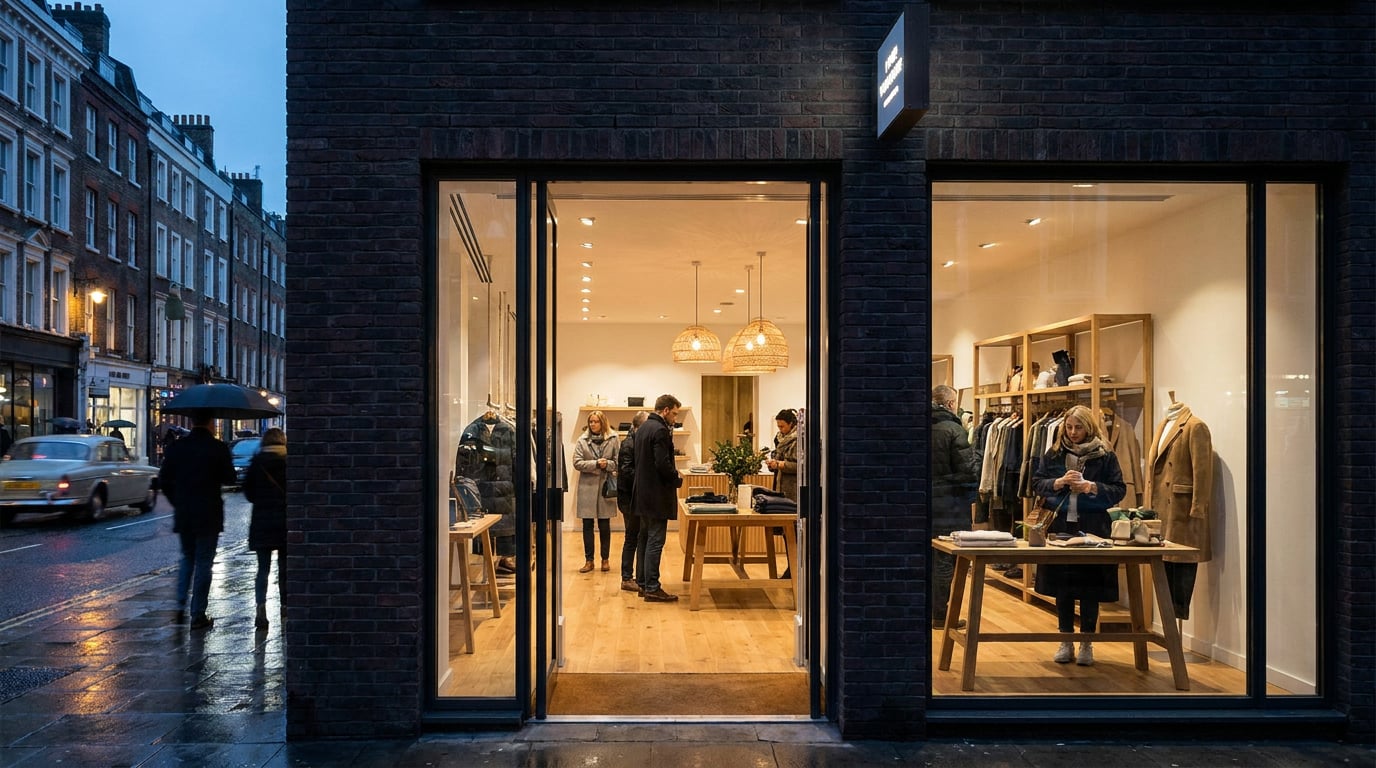
Retail clients want to compare three layouts side by side, not wait for three rebuilds. Here is how fit-out designers model once and vary the rest in Linea.
A retail client rarely wants one scheme. They want a baseline they can sign off, a bolder option that tests their nerve, and a cost-conscious version that tests their budget, and they want all three on the table together. The usual way of delivering that is to model option A, duplicate the file, then strip out and re-place everything for B and C. The method below does it differently: build the shell once, treat each layout as a variation on top of it, and let one source feed the plans, the perspectives and the client board.
Why Three Layouts Usually Means Three Rebuilds

Think about what is actually fixed in a shop unit. The party walls do not move. The shopfront line is set by the landlord or the planning consent. The existing columns stay where the structure puts them, and the service risers and meter cupboards are wherever the building put them forty years ago. What changes between options is a short list: fixture types and positions, the circulation route, the cash wrap, the fitting rooms and the stockroom position.
Despite that, the duplicate-and-strip workflow copies the whole file three times. The shell, the shopfront and the services come along for the ride. Then someone adjusts a column position in option B after a site visit, forgets to do it in option C, and the three plans quietly disagree about the building they are all meant to fit into. By the time you are issuing drawings for the client meeting, you are checking three shells against each other instead of designing.
The fix is structural, not clever. Build the shell once. Make every layout a set of objects sitting on top of it. If the shell changes, all three options inherit the change because they were never separate buildings in the first place.
The shell is the constant. Fixtures, circulation and back-of-house are the variables. Model them that way and drift between options stops being possible.
Build the Shell Once in Linea, Plan and 3D Together

Start from the survey you already have. Linea imports DXF and DWG, so the existing measured survey goes straight in. A practice CAD file often holds a couple of dozen separate drawings in one model space, all sharing the same layers, so the import dialog draws the file before it lands and outlines each drawing it finds. Click the outline around the unit plan and the import crops to that single drawing, cut clean at the edge, landing on the origin. If the detection misses it, drag a box by hand and it does the same thing.
With the survey in place, draw or confirm the unit shell using parametric walls, columns, doors and windows. If the unit has a mezzanine, levels stack into storeys, so the upper floor sits in the same model rather than in a separate file you have to keep aligned.
The reason this matters for option-making is how Linea is built: the 2D plan and the 3D model are the same building, edited together, rather than one being generated from the other. Move the shopfront line and it moves in plan and in 3D at once. There is no export-and-reimport step where the two can diverge.
Be honest about what you are modelling
Two clarifications keep expectations sensible. First, new geometry in Linea is born in a flat painted colour, never in a texture. Walls read white and floors read light grey until you paint something on them. Finishes do not arrive on their own, so if an option needs a timber floor or a plaster wall to read properly in the perspective, you paint it there deliberately.
Second, Linea is a drawing and modelling tool for everyday practice work. It is not BIM, and this method should not be sold to a client as a coordinated model. It suits concept and planning-stage layout, where the question is "which of these three arrangements do we take forward", not "have the services been clash-checked".
Concept-stage layout is the right altitude for this method. Use it to settle the option, then carry the chosen scheme into whatever coordinated environment the project demands.
Vary Fixtures and Circulation Without Touching the Shell

With the shell fixed, the work becomes placing what the client is actually choosing between. The furniture library covers the standard retail kit: gondolas, wall fixtures, cash wrap, display tables and seating. When a scheme needs a bespoke piece the library does not carry, say a curved plinth display or a statement light fitting, the Generate tab in the Library can make a single 3D model from a description or a photograph and place it in the drawing. That is a paid action using plan credits, and its cost is shown before it runs.
Zone first, then fill
Before placing a single fixture, block out the departments. Linea's Massing workspace lets you place footprints for sales floor, fitting rooms and stockroom, then push them into solids. Group the blocks so you can hide the scaffolding without deleting it. Option B, with the fitting rooms moved to the rear to pull customers through the full depth of the unit, is a regrouped set of blocks, not a new drawing.
Once the zoning reads, switch to the Build workspace for the detailed walls and doors, and place the fixtures inside the zones.
Group each layout, show and hide against the shell
Here is the practical device that makes three options out of one model: group each layout's fixtures as its own set. Option A's gondolas, wall fixtures and cash wrap sit in one group, B's in another, C's in a third. Show one group at a time against the same untouched shell. To be plain about it, this is a workflow suggestion assembled from real tools, not a one-click variant feature. Linea does not have a button called "Option B". It has groups, visibility and a disciplined way of working, and that is enough.
Type the dimensions that matter
Aisle widths and clearances are where retail layouts live or die, so do not drag them by eye. During a gesture, start typing a number and it lands in a box beside the cursor. Enter applies it. Lengths read in the drawing's own units, so 1200mm and 4ft both parse, which is useful when a US brand's fixture schedule arrives in imperial and the survey is metric.
Measure the trading floor per option
The client's first question about any option is usually how much sales area it gives them. Use zones to label and measure each option's sales floor and back of house, so the comparison comes from the model rather than a separate spreadsheet that someone has to keep in step.
| Element | Option A (baseline) | Option B (bolder) | Option C (cost-conscious) |
|---|---|---|---|
| Shell, shopfront, columns, risers | Shared, untouched | Shared, untouched | Shared, untouched |
| Fixtures | Standard gondola runs | Feature plinths, wall-led display | Fewer, reused fixtures |
| Circulation | Single loop | Pulled to full depth | Short central spine |
| Fitting rooms and stockroom | Rear left | Rear, enlarged | Consolidated |
| Sales area | Zone measurement | Zone measurement | Zone measurement |
Group each option's fixtures separately and show them one at a time against the same shell. The discipline is the feature.
Get Each Option Out as a Sheet and a Perspective
Plans alone do not sell a retail scheme, but they have to be right before anything else matters. Linea cuts sections and elevations from the model as real linework and issues them on a sheet like a plan, which means the back wall elevation for each option comes from the same model as the plan, not from a separate drawing someone redrew.
Save a view for each option. A saved view can be reissued after the model moves, so when the landlord shifts the shopfront line by 150mm in week three, you update the shell once, re-issue the three saved views, and all three sheets are current.
For comparison, export each drawing sheet as a PDF at a true plotted scale on a chosen paper size, with a title block. Three plans at the same scale on the same sheet size are comparable at a glance, and that is the whole point of the exercise. A client who has to mentally rescale option C against option A is a client who is not looking at the design.
The perspective, and its honest limit
For the client-facing visual, send a perspective view of each option straight from Linea into the rendering studio. Name the constraint to yourself before you do: the render reads the geometry. What the client sees is only as resolved as the model beneath it. A gondola drawn as a box renders as a gondola-shaped box. A shopfront with no mullions renders without mullions. If the render looks vague, the model is vague, and the fix is in the model.
That is also the correct way round for retail work. Atmosphere, material direction and customer experience can be explored in a rendered image, but dimensions, escape routes, accessibility clearances and shopfitting tolerances come from the drawing. Keep the geometry in the model and treat any exploratory imagery as presentation, never as a source of measurements.
A second opinion on circulation
Corb, the assistant chip beside the 2D/3D toggle in Linea, answers questions about the drawing for free. Ask it how the route reads from the entrance in option B, or where sightlines to the cash wrap are blocked in option A, and use the answer as a prompt to look harder. Corb advises. It never rules on compliance or accessibility, and the call on whether a clearance meets the regulations belongs to whoever carries the professional liability for the scheme.
Saved views are the quiet time-saver: change the shell once, reissue three views, and three sheets update together.
Board the Three Options in Layout for the Client Meeting
The last step is putting the three schemes side by side so the comparison is the first thing the client sees. Layout is built for this. Use Sheet mode (A1 landscape by default) for a single pin-up board, or start from the Client Deck template if the meeting is screen-led. Either way, you place the plan, the perspective and the key numbers for each option into a consistent structure.
Drag the exported plans and renders in from the gallery, then align and distribute them on the layout grid so the three options sit in matching columns at matching sizes. Set one type style and use it throughout. When the three options read as a set, the client reads them as alternatives to one brief rather than three unrelated drawings.
Issuing the board
Export a vector multi-page PDF at true sheet dimensions for print, with optional bleed and crop marks if it is going to a printer. Or share the document as a read-only public webpage. The link is revocable and stays current as the document is edited, so if the meeting leads to a tweak to option C, the client's link already shows it. Free-plan links carry a small footer, which paid plans remove.
Manual layout work costs no credits. Asking Corb to write copy or build a document does, and the cost is stated before it runs. Drawing, modelling, walking the model, exporting and asking Corb a question in chat inside Linea are free on every plan.
Model the shell once, vary only what the client is actually choosing between, and let one source feed the plans, the perspectives and the board.
A Short Note on Credits and Generated Imagery
If you add generated imagery to the board, keep it labelled as atmosphere. Credit systems, plan limits and model access across the generative tools change often, and published per-clip or per-image costs from different vendors do not agree with one another, so check the current figures for your own plan and settings before you commit to a budget. The saving this workflow offers does not depend on any of that. It comes from not building the shell three times and not documenting it three times.
On ArchAdemia Tools the whole chain, from the imported survey through the three options to the issued board, sits in one place: Linea for the drawing and model, the rendering studio for perspectives, and Layout for the client board. The trial gives you 30 credits a day for seven days, with no card, which is enough to run a real scheme through the method and see whether it earns its place in your practice.
Build the shell. Group the options. Issue the sheet. The client sees three considered schemes, and you spend the week designing them instead of reconciling them.
Keep reading.
Try ArchAdemia Tools for yourself
Draw it, model it, render it, publish it. One place, built for architects and small practices. Plans from £19 a month billed yearly (£228 a year), all in.