The Two-Person Practice Toolkit: What You Need vs What You Don't.
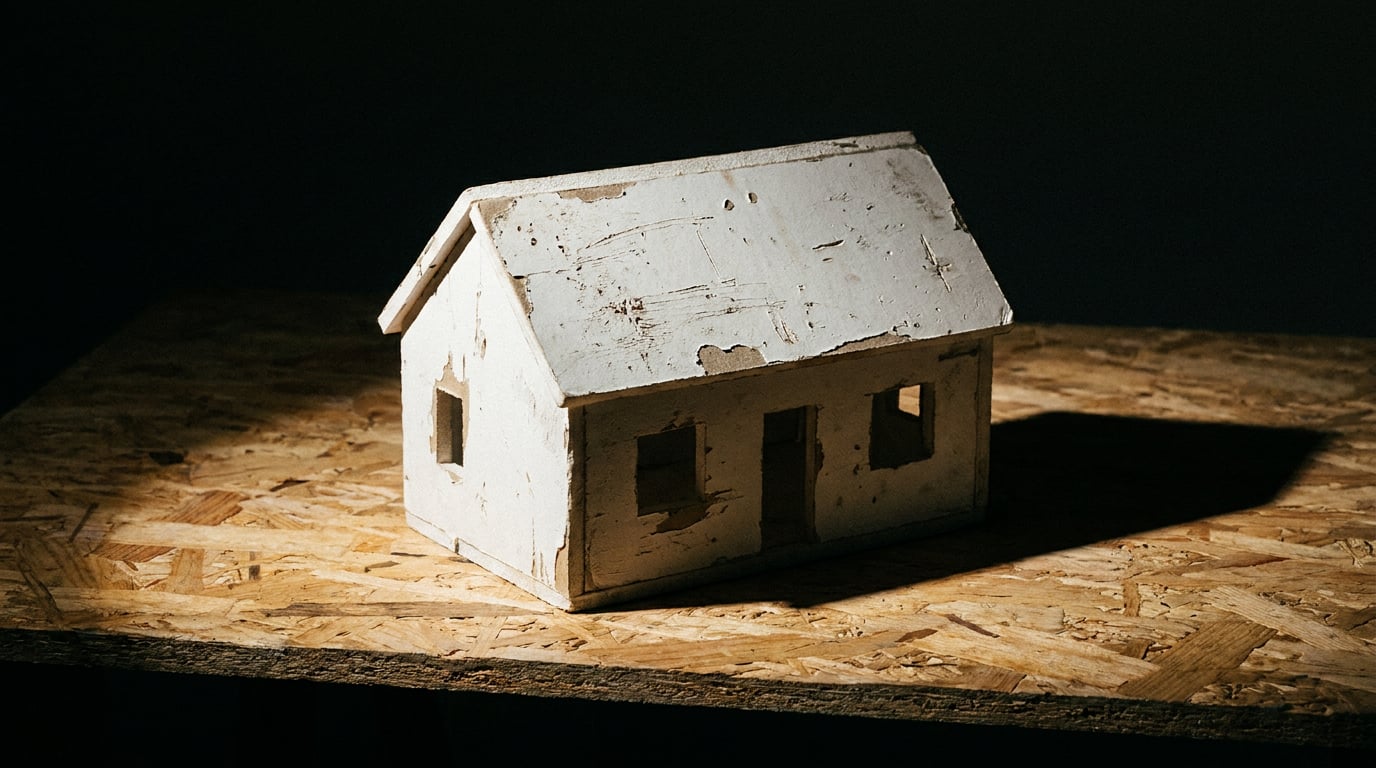
Most visualisation software is built for teams you don't have. Here's what a lean practice actually needs, and the features you can ignore without losing work.
The two-person practice has a different problem than the studio next door
A ten-person practice can put someone on visualisation. They can hand a scheme to a person whose job that week is lighting passes and material iteration, while the director gets on with the next planning meeting. A two-person practice has no one to hand that to. Whatever gets made has to come out of the same two people who did the drawings, spoke to the client, and are now, at 6pm, trying to get an image into an inbox before a 9am review.
That's not a smaller version of the studio's problem. It's a different problem. The constraint isn't render quality, it's the gap between finishing a model and needing something convincing to show a client, a planning officer, or a competition jury, and having zero spare hours to close that gap.
Most visualisation software is built for the studio's problem. V-Ray, Corona, Redshift: these assume a dedicated operator, iterative lighting and material passes, and time set aside for scene prep.[3][4] None of that is wrong. It's just built for a workflow that doesn't exist in a two-person office. What follows is about what actually solves the small-practice problem: speed and coverage across the whole job, not mastery of one render engine.
The small practice doesn't need render mastery. It needs the same output as a ten-person studio, produced by two people who are also the designers, project managers and fee earners.
What you actually need: coverage across the whole job, not mastery of one render engine

A single planning application asks for three different kinds of output on one deadline: contextual massing views that show the scheme against its street, a Design and Access Statement that argues the case in writing, and client-facing perspectives that get sign-off before submission. Three jobs, one deadline, and in most practices, one person doing all three.
This is where breadth beats depth. Testing a scheme in different lighting conditions or material treatments doesn't need a re-render from scratch in a dedicated engine. Generating those variations through Image, with its choice across 20+ models, means you can push a scheme through a winter daylight study and a brick-versus-render comparison in the same session, without booking time in a heavyweight pipeline for either.
Write covers the other half of the job. Its multi-model picker, running the GPT-5.6 tier, Gemini Flash and Pro, and Claude Sonnet 5 and Opus 4.8, means the DAS narrative gets drafted in the same place the visuals get generated, rather than being bounced to a separate word processor with none of the project context to hand.
And when there's no colleague down the hall to ask "which tool suits this", Corb sits in the project chat as a standing creative director, helping pick the right model or studio for the task at hand. That's not a small thing in a practice of two. It's the difference between guessing and knowing.
A planning submission is three jobs on one deadline. The tool that wins is the one that covers all three, not the one that's best at any single one.
Where the client actually gets convinced: walkthroughs, not just stills
Most clients can't read a plan. A homeowner extending into the garden, or a small commercial tenant fitting out a unit, looks at a section drawing and nods politely while understanding almost nothing. Even a good still image still asks them to imagine the rest: what's behind them, what the room feels like at eye level, how the light changes as they walk through.
Linea solves this without adding a render pipeline to manage. Export a GLB from SketchUp or Revit, bring it in, and it drops the client inside the scheme at eye level, walking through it with collision rather than orbiting a still. Share a /play link and the client opens it in any browser, no install. That replaces the old routine of booking a desktop demo, or exporting a fly-through video and waiting a week for feedback that arrives after the client has half-forgotten what they saw.
For interior-heavy residential or small commercial work, Scene Composer is worth knowing too. It lets you pose furniture or figures in a scene, using gizmos and 3D Worlds as backdrops, before rendering to a photorealistic image. That's the difference between a client seeing an empty shell and seeing a room with a sofa where the sofa will actually go.
A still image asks the client to imagine the rest. A walkthrough puts them inside it. That's usually where the "yes" happens.
What a two-person practice can safely ignore

Knowing what to skip matters as much as knowing what to use. A two-person practice has no time to maintain tools it doesn't need, and every tool it does maintain is time stolen from the actual work.
- Node-based render pipelines built for VFX-scale iteration. Canvas exists for exactly this kind of orchestration when a project genuinely needs it, but most day-to-day architectural work doesn't need node graphs to produce a single client image. Save that complexity for the rare job that justifies it.
- Desktop GPU rendering setups for walkthroughs. A Linea walkthrough is deliberately not a Lumion or Twinmotion competitor in the traditional sense: the client installs nothing, opens a link, and walks through the scheme. There's no render farm to manage because there's no render farm involved.
- Separate tools for social content, ad creative and web presence. Layout handles social posts and ad formats alongside your boards and sheets, and Web handles landing pages and microsites. That's practice marketing covered without three more subscriptions to track and forget to renew.
- Chasing every new model release. With every model open on every plan, the discipline isn't evaluating twenty options every quarter. It's picking two or three that suit your typical output and sticking with them until the job genuinely changes.
Industry guidance backs this up: offline engines like V-Ray and Corona remain the standard for competition-level or marketing-grade hero shots, but they're overkill for everyday planning submissions and small residential work unless a practice is explicitly selling high-end imagery as a product in itself.[3][4] Most two-person practices aren't. They're selling a design, and the image is in service of that, not the point of it.
The credit math for a lean practice
Run the numbers the way a small practice actually has to: against real workload, not theoretical ceilings.
| Tier | Price | Credits | Concurrent generations | Fits |
|---|---|---|---|---|
| Starter | £29/mo | 3000 | 2 | One or two live jobs at a time |
| Pro | £49/mo | 7000 | 3 | Needs a live site for a project or competition entry |
| Max | £79/mo | 16000 | 4 | Heavier, multi-project workload |
Starter at 3000 credits and 2 concurrent generations is workable for a practice running one or two live jobs at a time, which describes most two-person studios most weeks. Pro at £49/month adds web publishing as a feature gate, along with 3 concurrent generations, and earns its keep the moment the practice needs a live site or landing page for a project or a competition entry, rather than a static PDF nobody opens.
One detail worth flagging on its own: unlimited chat-widget messages on every paid tier mean Corb and the writing models aren't rationed the way image or video credits are. That matters because the writing and research side of a job (drafting the DAS, checking planning policy, talking through options with Corb) tends to happen constantly, in short bursts, all week. Metering that the way image credits are metered would make the tool unusable for its actual purpose.
Compare this to the alternative: a render engine licence, a separate walkthrough tool, a website builder, each billed separately, each with its own login and its own renewal date. The maths favours one credit pool over three invoices, and the time saved not managing three relationships with three vendors is worth as much as the money.
A realistic week: from concept sketch to client walkthrough

Here's what that pooled toolkit looks like against an actual week, rather than in the abstract.
Monday: sketch massing options for a rear extension, then generate contextual perspectives in Image to test three schemes against the street, seeing how each sits next to the neighbouring roofline before committing to one.
Wednesday: draft the Design and Access Statement in Write, pulling planning policy context through Research alongside the narrative, so the argument and the evidence are built in the same pass rather than stitched together afterwards.
Thursday: export the chosen scheme as a GLB, build the walkthrough in Linea, and send the client a /play link instead of scheduling a meeting that has to work around three diaries.
Friday: assemble the planning submission, and if there's a project page or competition entry due, spin up a quick site in Web to give the scheme a public-facing home before the deadline closes.
Five working days, one project, no gaps where the practice has to wait on a specialist, book external time, or juggle logins across separate platforms to get from a pencil sketch to a client standing inside the scheme.
The right toolkit for a two-person practice isn't the one with the deepest render engine. It's the one that gets a scheme from sketch to client walkthrough inside a single working week.
The takeaway
A two-person practice doesn't lose work because its renders aren't cinematic enough. It loses time it doesn't have chasing tools built for a workflow it doesn't run: dedicated render artists, iterative lighting passes, separate licences for modelling, walkthroughs and web. The practices that hold their fee-earning hours are the ones that picked coverage across the whole job over depth in any single tool, and stopped there.
Keep reading.
Try ArchAdemia Tools for yourself
Draw it, model it, render it, publish it. One place, built for architects and small practices. Plans from £19 a month billed yearly (£228 a year), all in.